
14) Write down the title number in which the whole movie is contained, and close IfoEdit
RE-CODING THE FILM TO FIT ON A DVD
An original DVD does not fit onto a DVD-RW because original DVD's are dual layered and can hold 9Gb of data, while DVD-RW can only hold 4.7Gb. So to get a whole movie on to one disc you need to re-encode the movie at a smaller bit-rate.
16) Open the file called sample.cffl located in the ReMpeg Folder
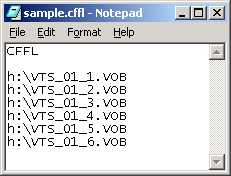
You must give the full address of where your .VOB files are exactly contained e.g. c:\Doclumentsandsettings\Desktop\DVD_MOVIES
You must also leave the word CFFl exactly as its spelled
18) Save it and close Notepad
19) Open ReMpeg. Click Open and load sample.cffl
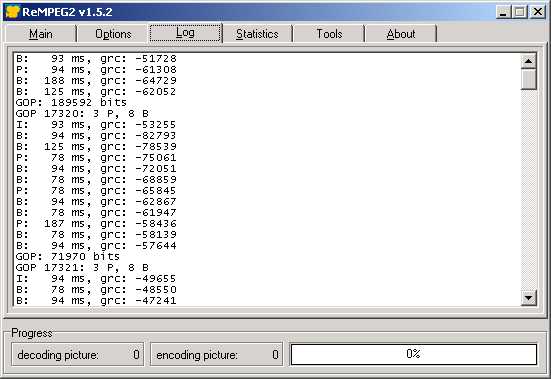
Now open the BitRate Calculator:
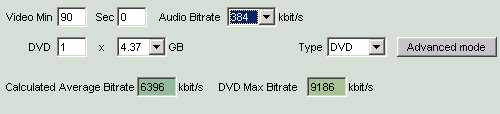
Make sure the audio BitRate is on 384, DVD should be the type and 1 DVD x 4.37Gb. You should enter the length of the film in the Video Minutes Box