

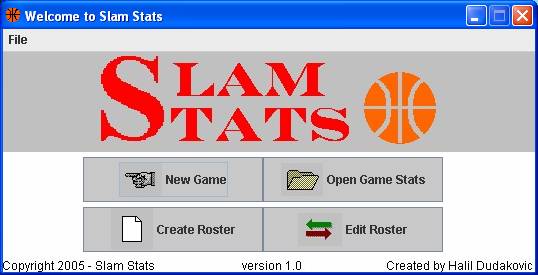
It allows you to choose between starting a New Game, Opening existing Game Stats, Creating a Roster, and Editing a saved Roster.
|
|
|
|
|
|
|
|
|
|
|
|
|
|
|
|
|
|
||||||||||||||||
|
||||||||||||||||
| Home | ||||||||||||||||
| Starting Window | ||||||||||||||||
| This is the first screen you see when you start SlamStats. It allows you to choose between starting a New Game, Opening existing Game Stats, Creating a Roster, and Editing a saved Roster. |
||||||||||||||||
|
||||||||||||||||
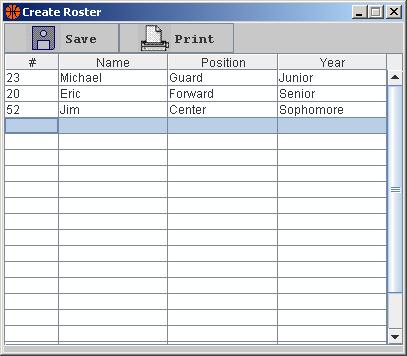
| This is where you Create a Roster. You simply enter the information into the cells, and click the Save button. A dialog will appear where it allows you to choose the location for the file. You can also Print the Roster you are creating. | ||||||||||||||||
|
||||||||||||||||