

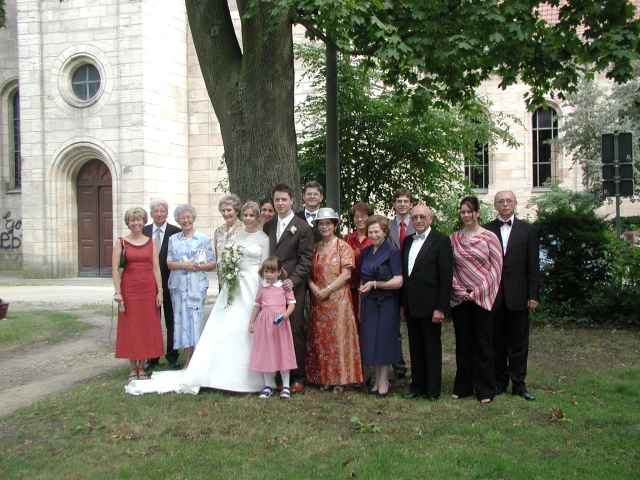
[African wedding, 2005]
[Jazil, 2007]


[Nürnberg, 2006]
[Great Wall, 2006]
Frankfurt, World Cup 2006
Christina B. [Bollywood, 2007]
[Ostenend, 2005]
[Sunrise", 2006]


[Bergen-Enkheim, 2006]
[Erlangen, 2004]
[a-viva, 2007]
FRIENDS/AMIS/AMIGOS/PENGYOU
|
|
|
|
|
| Chuang Yiting &Tien-Chien [American wedding, 2004] |
Kilian and Sandrine H. [African wedding, 2005] |
Vinh-An, Tara Sophie Xu, Simone [Hildesheim, 2006] | Heddy,
Tahereh, Rabea [Jazil, 2007] |
|
|
|
|
|
| Chuy You
Ph. [Nürnberg, 2006] |
Jun, Kerstin
H. [Great Wall, 2006] |
Serge G., MC B., Sophie F., Sandrine H. [Offenbach, 2003] | Claudia T., Raphaelle C., Ingrid M. [€deli, 2007] |
|
|
|
|
|
|
Christian, Pamela
and Jin
in Frankfurt, World Cup 2006 |
Jiming,Heddy,"Chris",Rita Ch., Christina B. [Bollywood, 2007] |
Judith and Simon [Ostenend, 2005] |
Anita
I. [Sunrise", 2006] |
|
|
|
|
|
|
Claudia [Bergen-Enkheim, 2006] |
The Nitschkes
[Erlangen, 2004] |
Zhou Haibo, Kerstin H., Pamela P., Lau T. [Flörsheim, 2006] | June
W. and Wei Bingfei [a-viva, 2007] |
Creating a photo album
Step one:
Resize the digital pictures (in French: photos numériques!) or scanned photos,
e.g. using IrfanView.
It is most important to preserve the aspect ratio.
Step two:
Change the default option for the thumbnails FrontPage creates of your pictures.
On the Tools menu (Extra), click Page Options (Seitenansicht), and then click
the AutoThumbnail tab (Automatische Miniaturansicht). Here, you can specify the
size of automatic thumbnails FrontPage creates, whether each thumbnail should
have a border to indicated the presence of its associated hyperlink, and whether
each thumbnail should be displayed with a beveled edge to simulate a button.
Before proceeding with the next procedure, change the default setting from Width
to Height in the AutoThumbnail tab of the Page Options dialog box. The
thumbnails on this page are all 100 pixels high.
Step three:
Right-click on a picture. Select the Auto Thumbnail function. FrontPage creates
a thumbnail of the selected picture and adds a blue border to indicate that it
contains a hyperlink to the original picture in the Web site.