
Lesson 5

Double Borders

For lesson five I first made the background tile, by using a color found in my main bird image:

I then made the tile for my left border:
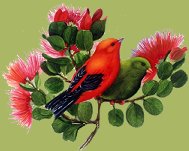
And then duplicated the image, and mirrored it for my right border
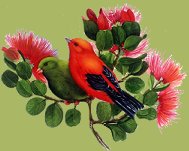
I also needed to use a blank.gif as in lesson four,
so the text would not run into the borders
I then made the matching buttons, and divider
To see another way to back a double border,
(the cheats way),
clink on the next link below.



Page best viewed at 1024x768