1.)Base Editing - Ms Paint only
2.)Banner/Graphic making
3.)Good site making -

4.)Base Editing - PSP7 only - comming soon!!!
I really hope this helps^^
*****************************************************************************
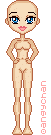
Angy Chan or Josey have such bases^^
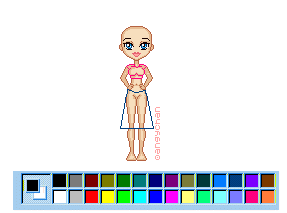
 draw an out line for the outfit you want. to Make make sure you smooth out all the ruff edges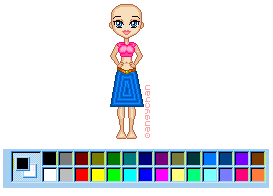
 fill any blank spaces that still need a splah of color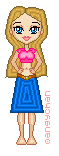
*****************************************************************************
Step 1:
Step 2:
Step 3:
Step 4:
Step 5:
Step 6:
*****************************************************************************
1.)Okay first you have to pick a good host I recamend Geocities.com they are the best. They offer 15 mg of disk space and are pretty easy to use.Like any new host it takes time to get use to it.
2.)If youu don't already know how to use html then you need to go do the following things...
a.)go to the HTML help page here on the site.
b.) Go to she will help a LOT!
c.)If you still don't get it Email me & I'll do my best to help or tell you some peeps who might be able to help^^
3.)After you sign up with your web host it's time now to get started building your site^^ If your just beging to build website use page builder but dont use frames cause it won't work^^ If you so a good amount about HTML then use HTML editor that's what I use^^
4.)You're gonna want to make your site your so add some flair so go to Lissa (above)or my HTML help page(also above) and find the stuff you need to make your site shine!
5.)now just keep adding cool stuff pics, awards free stuff id cards dolls ect and you'll have a fab site in no time^^ God Bless you and hope this helps/^^
Note:If you still have quetions again please feel free to Email me.
*****************************************************************************
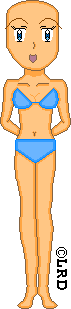
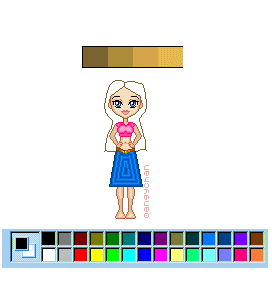
1.) Choose a base that you like.make sure it's in "bmp" format". I choose one of my newer Anime bases.^^ isn't she cute^^

2.)Now before we start you need to know that we'll be useing...
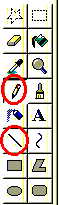
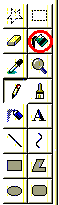
* the tool with the red cirle is the "Dropper" you use it to selet different colors. just click it and move it to the color of your choice (on the pic)
*The tool with the green circle is the "Paintbrush" you use it to draw lines
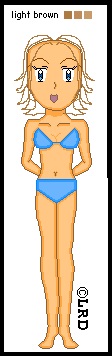
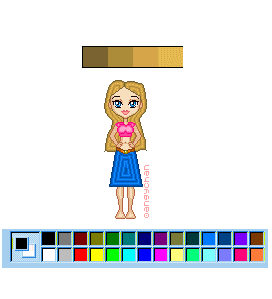
3.)first we are going to create her hair.use the paint brush