|
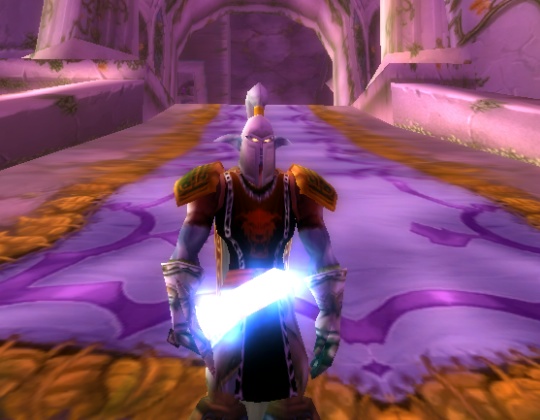
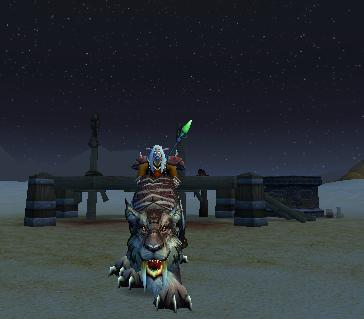
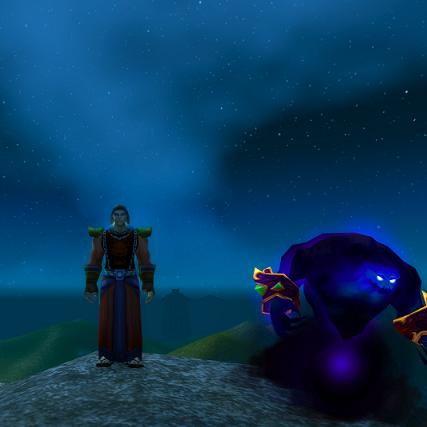
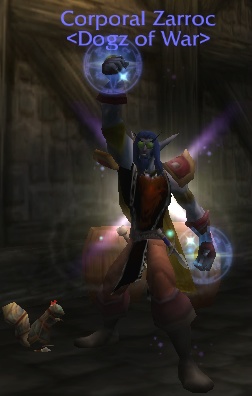
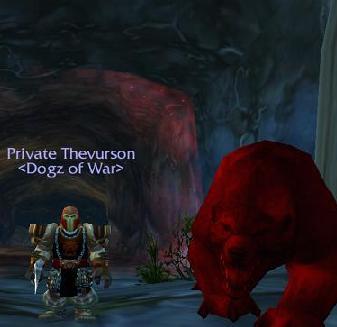
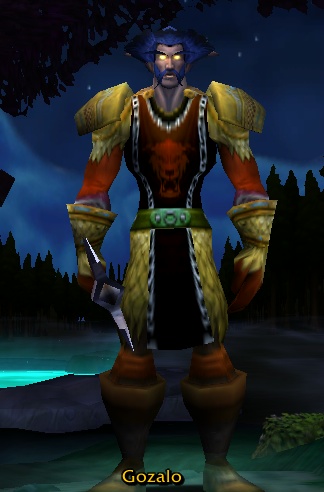
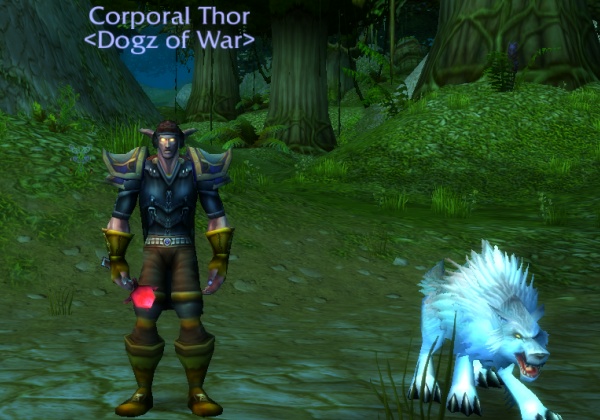
To take a screen pic of yourself, turn the camera angle around with left mouse button so it's facing yourself. Then, pressing ALT+Z will get rid of your interface. Mouse wheel zooms in and out. Then press the Print Screen button on your keyboard...picture taken. Your pics are stored in your World of Warcraft folder in the screenshots folder. Send this pic in to [email protected] by linking it to an email. When we get your pic we will put it up on the website. Any further questions you can email us or ask us online. Thanks! |
|
|