
DOWNLOADS
Screen Saver 1...............................DOWNLOAD
Screen Saver 2...............................Check back soon
Screen Saver 3...............................Check back soon
"WALLPAPER"
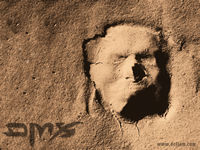
Wallpaper1-click on image to enlarge, then right click on image and set as wallpaper.



Wallpaper2- click on image to enlarge, then right click on image and set as wallpaper.
Wallpaper3-Click on image to enlarge, then right click on image and set as wallpaper
Wallpaper4- click on image to enlarge, then right click on image and set as wallpaper.
