Dennis Kennedy
Cleveland, OH 44125
[email protected]
Sun Solaris Visual Workshop
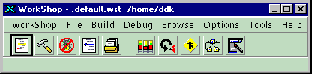
The Toolbar is 'Open', 'Build', 'Debug', 'Browse', 'Edit', 'Analyzer', 'Loop', 'Merge', 'TeamWare', 'Visual' (Forms).
Debugging Programs
Choose 'Debug (Menu), New' and add the program you would like to Debug.
(Make sure that you have compiled your program with the 'g0' switch for debugging enabled.)
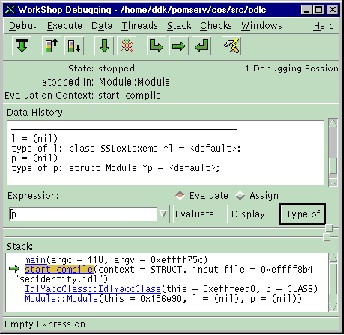
Debugger - The Toolbar is 'Start', 'Up Stack', 'Down Stack', 'Continue', 'Stop', 'Step Into', 'Step Over', 'Step Out', 'Recompile'.
(The Stack is shown in the bottom window. Click on the Function Name to move to that routine.)
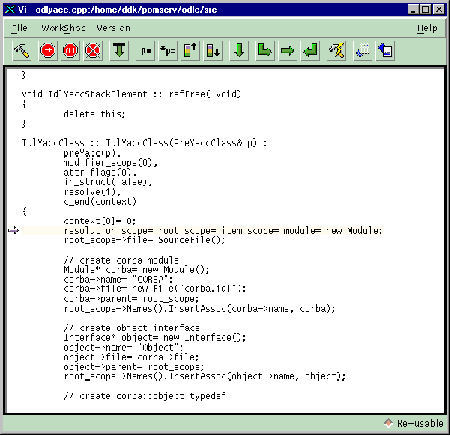
VI - The Toolbar is 'Build', 'Break, Line', 'Break, Function', 'Clear Break', 'Start', 'Evaluate', 'Evaluate*', 'Up Stack', 'Down Stack', 'Continue', 'Stop', 'Step Into', 'Step Over', 'Step Out', 'Recompile', '', 'Refs, Symbol'.
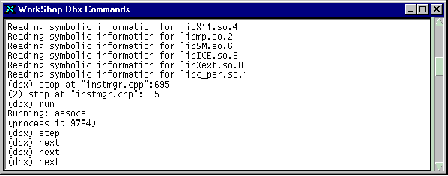
The dbx Command Line Debugger.
From the Workshop Debugging' Screen, choose 'Window (Menu), DBX' to open the DBX Screen.
From here you can type in commands, such as setting Breakpoints, etc.
(Type in 'help' to get a list of commands.)
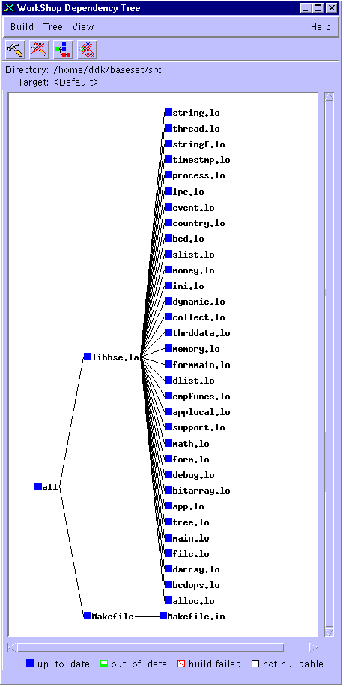
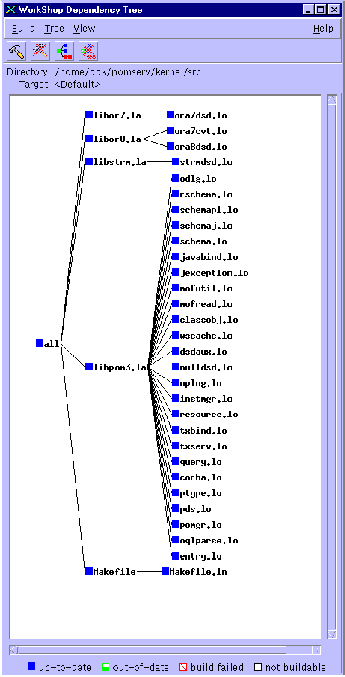
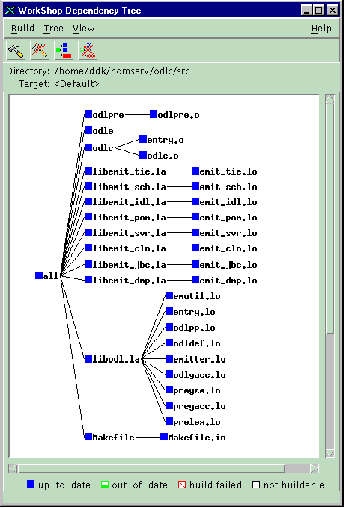
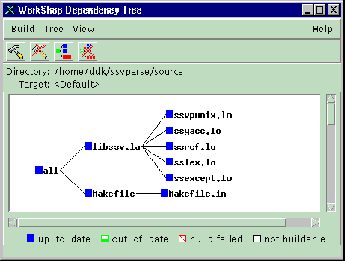
Some Workshop Dependency Trees: