
Dennis Kennedy
Cleveland, OH 44125
[email protected]
Hewlett Packard DDE for aCC
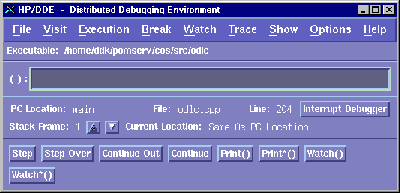
The DDE Debugger consists of Four (4) Windows:
The Main Execution Screen, with Stepping Buttons and the Menu:
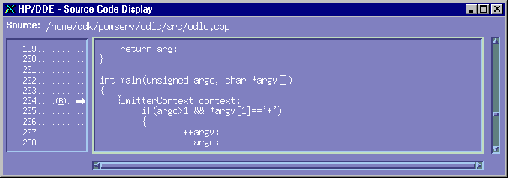
The Source Screen, to View the Source Code as you Step through the Program:
The Debug Window allowing you to View the Contents of Variables:
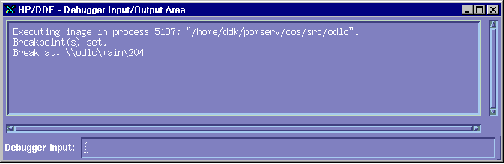
The Input / Output Screen:
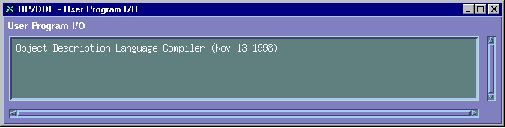
(Note that you can put all four screens together into one under 'Options (Menu)'.)
When you Start DDE, you need to Specify the Program to Run:
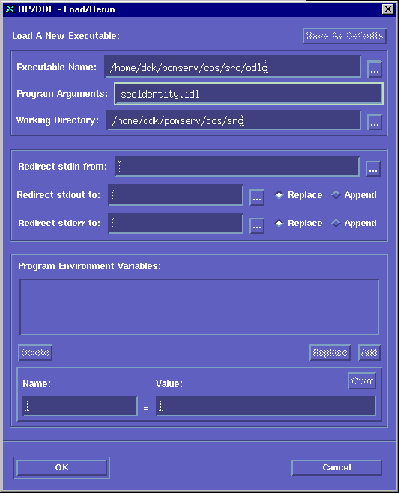
Choose 'File (Menu), Load Executable'.
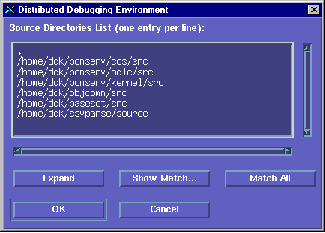
Then, you need to Include Any Other Source Directories.
From the File Menu, ...
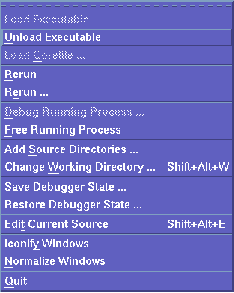
... choose 'Add Source Directories' and type them in.
Escecially if you are using Shared Libraries, from the 'Execution' Menu ...
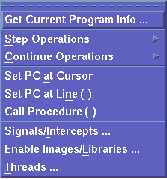
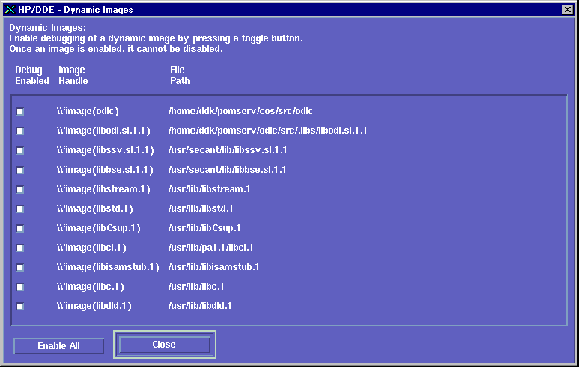
... choose 'Enable Images/Libraries...' and then choose 'Enable All':
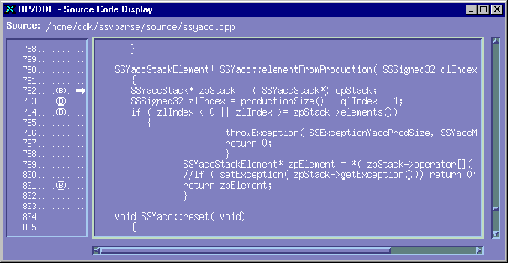
To set a Breakpoint, move to the appropriate Line Number and click it, ...
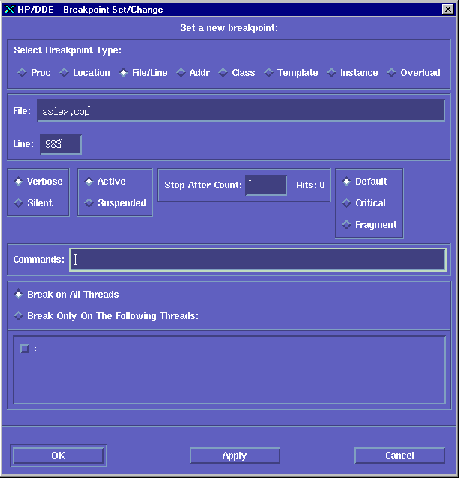
... or, choose the 'Break (Menu), Set()...' and set the Breakpoint with the File Name and Line Number:
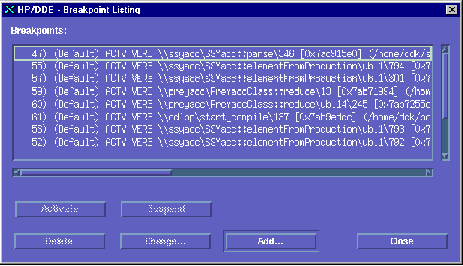
(You can also View, Add, Delete, etc All Breakpoints.)
To See your Stack, open the 'Show Menu' ...
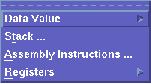
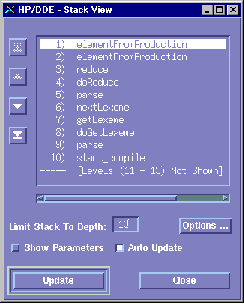
... and choose 'Stack', which you can then click to move to that part of your program.
After you have run your program, choose 'File (Menu), Rerun' to run it again.
Note: Make sure that you compile your programs with the 'g0' switch to enable debugging.