 |
| As i said before there will be NO screen shots with these. They are fairly easy to do so i don't think they are needed. Download the selections located in this .zip file HERE and unzip them into a folder where you can find them or into the selections folder in your PSP if you don't have one you will need to make one.
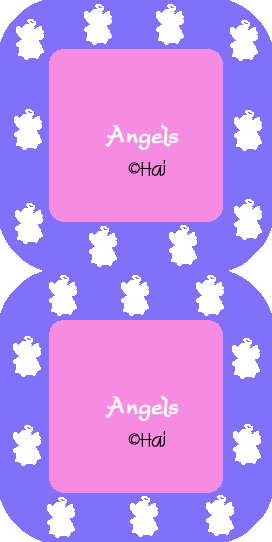
OK lets begin. :o) Open a new image 400 x 400 it may be big but we can crop it down to size later on. Go to Selections - Load from Disk. 1.sel Flood fill this with any color, gradient, or pattern of your choosing. Ctrl + D to deselect. Selections - Load from Disk. 2.sel Flood fill this with a different color, gradient, or pattern of your choosing. Ctrl + D to deselct If you want to add your name or something to this you can do it now. if you need to Merge the layers by going to Layers - Merge Visible Shift + D to duplicate do this so you have 2 images. Selections - Load from Disk. 3.sel Flood fill this with a different color, gradient, or pattern of your choosing. You can add an Inner Bevel or whatever to this if you want. Ctrl + D to deselect Save in psp format as 1. Minimize this or X it out we no longer need this one. Go to the next image. Selections - Load from Disk. 4.sel Flood fill this with a different color, gradient, or pattern of your choosing. You can add an Inner Bevel or whatever to this if you want. Ctrl + D to deselect Save in psp format as 2. Minimize this or X it out we no longer need this one. OK now we animate it. Open up Animation Shop. File - Animation Wizard. Follow the steps until you get to where you add images. Add image 1 - 2 then go to finish. before we see what our master piece will look like crop it down. Heres an easy way when you clik on the crop tool go to options and there is a button that says Surround the Opaque area, click that and then ok and then crop. Then go to Edit - Select All then to Animation and then Frame Properties and slow it down to about 30 that is if you want to. Play it and see how lovely it is. Hope you enjoyed this. That was so easy and fun now wasn't it? :o) |