-First open the image you want to use.
-First open the image you want to use.
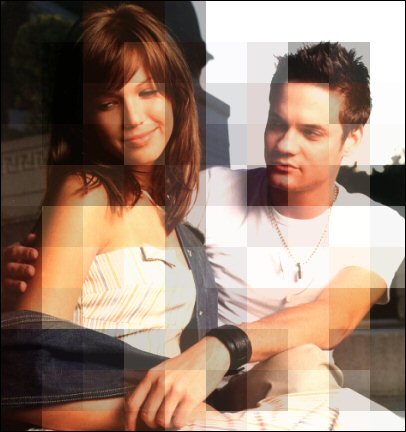
-Then go up to Effects>>Disorded Effects>>Pixelate
-Now set your your Block with and highth at how big you want them to be, then press okay.
-Don't worry if it looks really messed up because we are not done yet.
-Now go up to edit>>copy. Then go up to edit>>Undo. Then edit>>Paste New Layter
-Now go up to Layers>>Properties.
-Set the opacity at a lower number what ever looks best for your image.
-Press okay and you are done
-Now your done hope you like