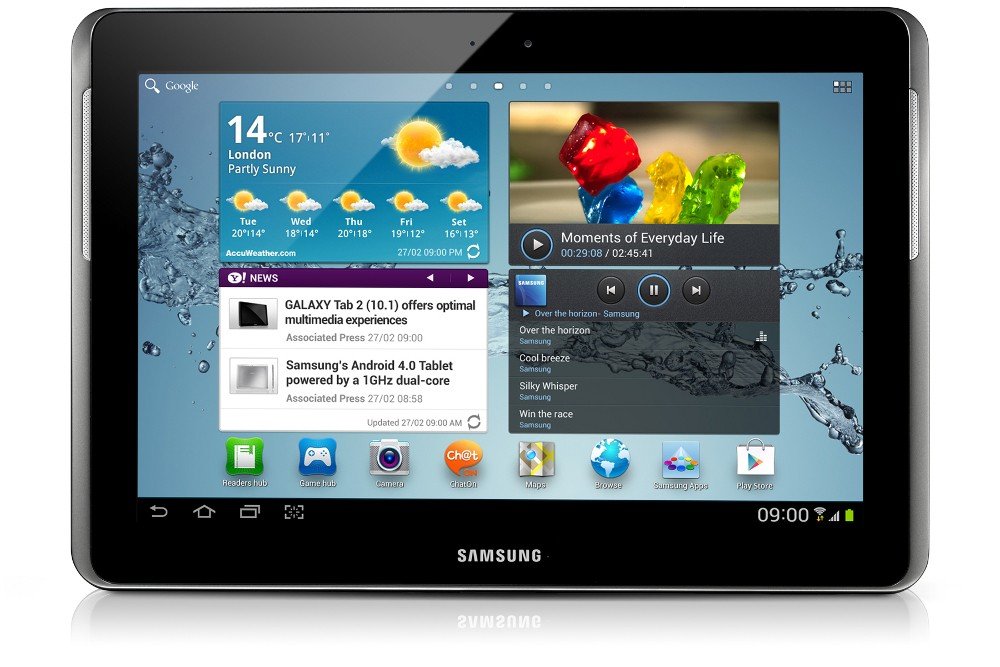
Software refers to one or more computer programs and data held in the storage of the computer. In other words, software is a set of programs, procedures, algorithms and its documentations concerned with the operation of a data processing system. Program software performs the function of the program it implements, either by directly providing innstructions to the digital electronics or by serving as input to another piece of software. The term was coined to contrast to the term hardware (meaning physical devices). In contrast to hardware, software "cannot be touched". Software is also sometimes used in a more narrow sense, meaning aplications software only.
Computer software is so called to distinguish it from computer hardware, which encompasses the physical interconnections and devices required to store and execute (or run) the software. At the lowest level, executable code consists of machine language instructions specific to an individual processor. A machine language consists of groups of binary values signifying processor instructions that change the state of the computer from its preceding state.
The most complete software guide in the world: Descargar software, programas gratis para PC, juegos para PC - Softonic
Hardware The term hardware refers to all parts of a computer system tangible, its components are electrical, electronic, electromechanical and mechanical. These cables, cabinets or boxes, peripherals of all kinds and any other physical element involved.
Among the most important parts that make up the hardware of a computer is the processor or microprocessor, formerly known as the CPU (Central Processing Unit), which is the brain or heart of the system, through which pass all the data, the motherboard , or motherboard, which contains all the circuit interconnecting the hardware components.

PARTS OF THE HARDWARE:
-The CPU: (Central Procesing Unit) also called the PROCESOR or the Mother board is the part of the computer that contains the ¨chipset¨.
The chipset contains the transistors which process the information and make logical decisions.
-The clock: it is a small but important part of the hardware. It is integrated in the CPU. It marks the rhythem of the processor:
with each pulse of the clock, the processor processed the next instruction of the programe.
-Storage: the act or process of storing information in a computer memory or on a magnetic tape, disk, etc.
The three most common types of technology to store information on a computer are: magnetic, optical and electronic.
-The expansion card: The expansion cards are devices with various integrated circuits, and controllers, inserted into their corresponding expansion slots, serve to expand the capabilities of a computer. The most common expansion cards are used to add memory.
Types: communication cards, grapfhics card, sound card.
-Peripherals: A peripheral is a device that is connected to a host computer, but not part of it. It expands the host's capabilities but does not form part of the core computer (WWW Computer Architecture Page) It is often, but not always, partially or completely dependent on the host.
Types of peripherals:
.Optical mouse: An optical mouse is an advanced computer pointing device that uses a light-emitting diode ( LED ), an optical sensor, and digital signal processing ( DSP ) in place of the traditional mouse ball and electromechanical transducer. Movement is detected by sensing changes in reflected light, rather than by interpreting the motion of a rolling sphere.
.Keyboard: A keyboard is basically a board of keys. Along with the mouse, the keyboard is one of the primary input devices used with a computer.
.Screen: A light movable frame, panel, or partition serving to shelter, divide, hide, etc
.Speakers: Speakers are popular output devices used with computer systems. They receive audio input from the computer's sound card and produce audio output in the form of sound waves.
.Router: Is a device used to connect a computer to a telephone line which provides the digital subscribe line service for connectivity to the Internet.
.Universal Serial Bus (USB): it is an industry standard developed in the 1990s that defines the cables, connectors and protocols used in a bus for connection, communication and power supply between computers
