 Ralph's Home Theater Photos
Ralph's Home Theater Photos
----Email me if you like @----

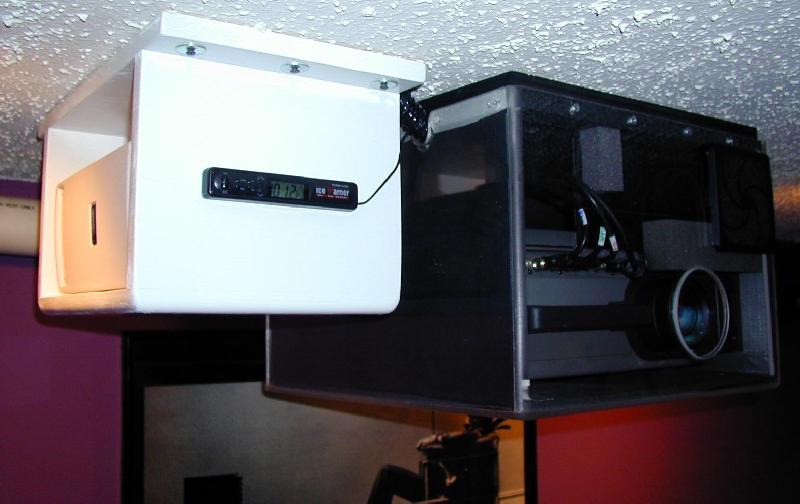
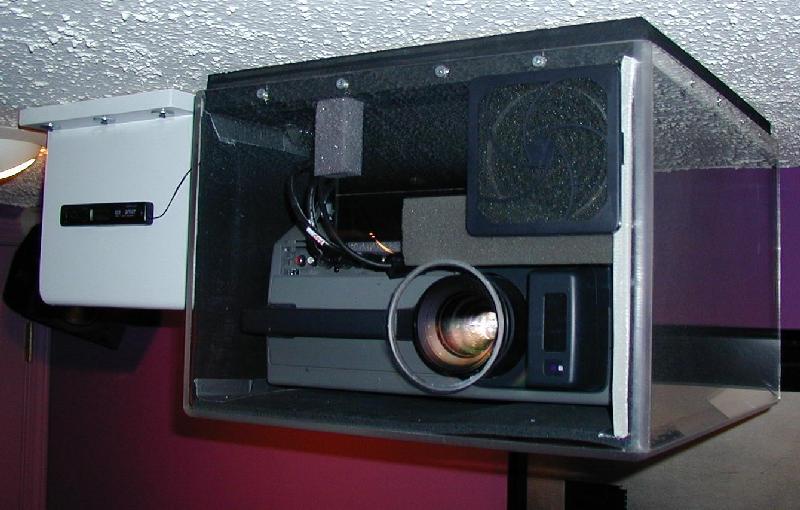
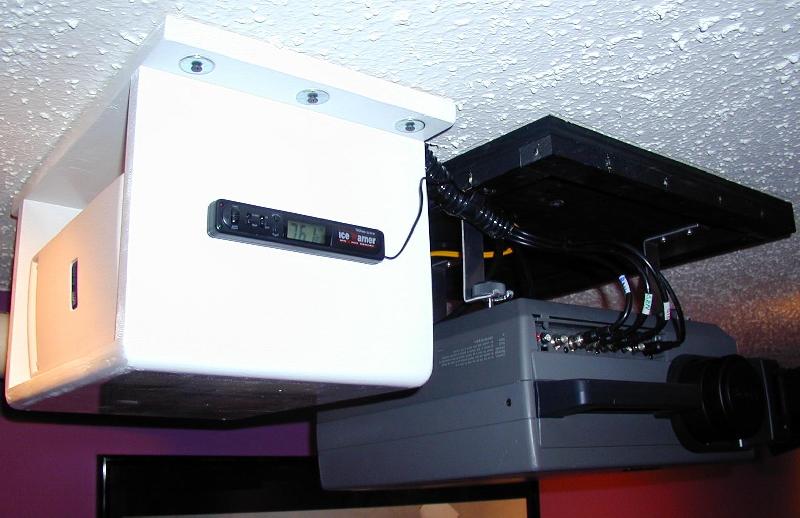
Pic #1 View of Sony 400Q LCD Projector with Custom Acrylic Enclosure and an Uninteruptable Power Supply (UPS). The UPS is on the Left and can Run the projector and Cooling Fan in the event of a power Failure. There is a Temperature Sensor on the Front Reading 101.2 Degrees F. The Enclosure is usually running about 95 Degrees F and Creeps up as the Filters Clog. The Temperature Sensor is Remote and is Actually Reading Temperature on the Projector itself. There is a Picture Later Showing the Location of the Sensor.
Pic #2 Shows the Front of the Enclosure. You can See there is a Filter in the Top Right Corner that can be Cleaned and there also is a High Quality Lens From Edmond Scientific so the enclosure is Sealed for noise and you can Clean the Lens. There is Black Low Durometer Foam to Further Reduce Noise From the Projector. This Projector has a Fantastic Picture but the Cooling Fans are Very Noisy Requiring an Enclosure to Reduce Noise. This Enclosure Actually Allows the Procjtor to Run cooler than Without the Enslosure. The Temperature Sensor Will Read about 125-130 Degrees if the Enclosure is Removed. I Feel This Projector Runs Cooler and will Extend Projector and Bulb Life.
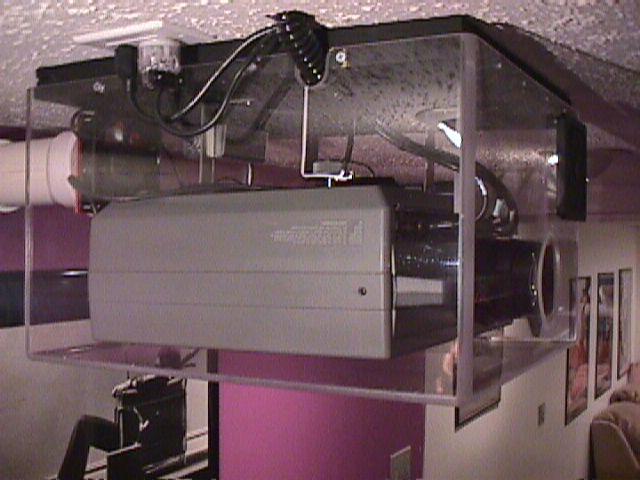
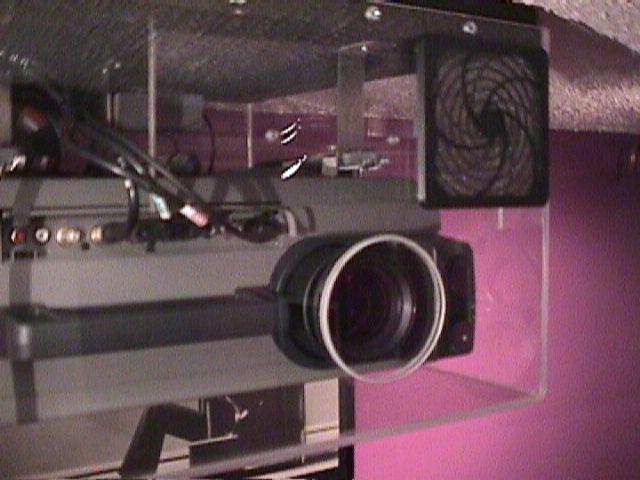
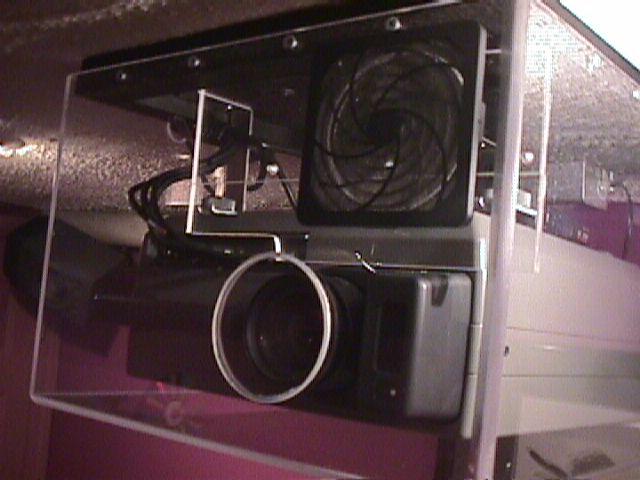
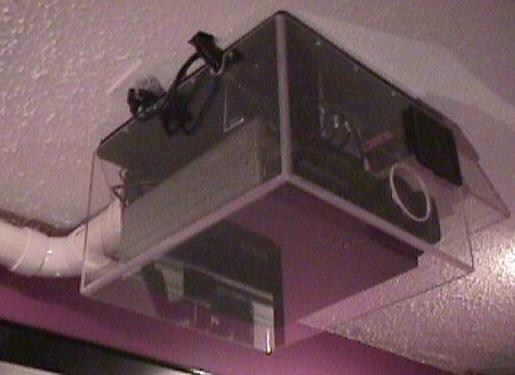
Pic #1 Older Pic With Side View of Enclosure But Shows Without Sound Padding (shows old Fan and Controller)
Pic #2 Old Pic but Shows Filter
Pic #3 Another Old Pic Which shows Baffel and Lens
Pic #4 Another Old Pic From Below
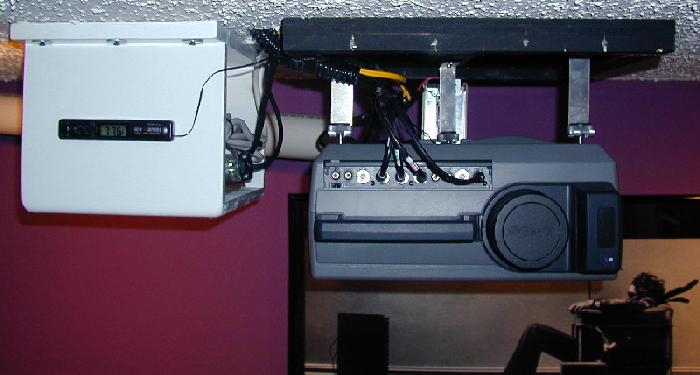
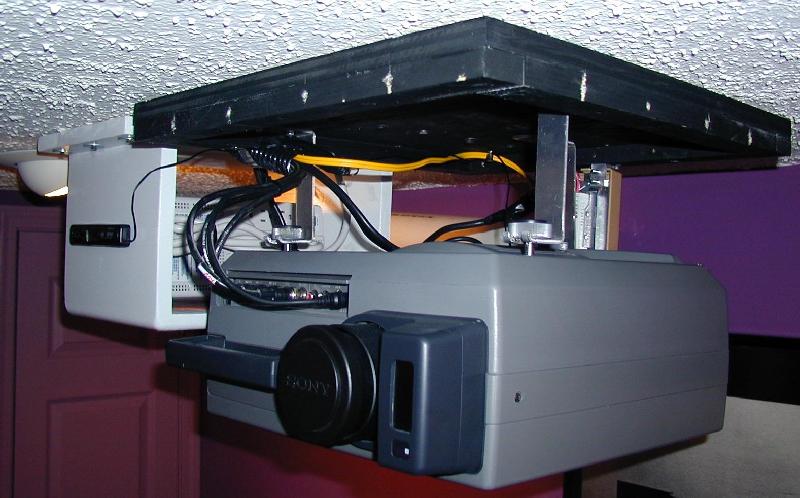
Pic #1 Front View of UPS and Projector Without Enclosure Cover
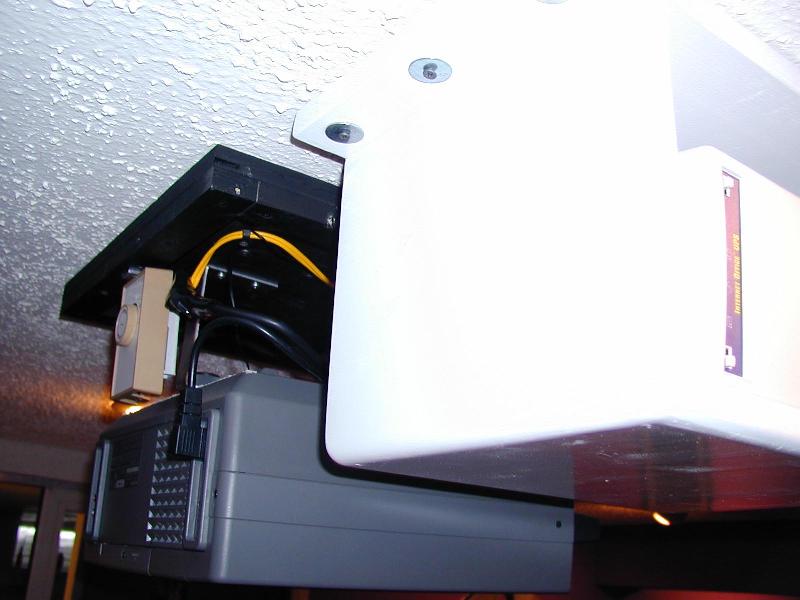
Pic #2 Rear View of Projector and UPS Witout Cover. Temperature Control for Fan is Tan Color. Turning that Knob Controls the Temperature at Which the External Fan Will Turn on. The External Fan is Located Outside the Room to Reduce Noise and is Not Shown. In Some of the Pics you can see a white Pipe That Goes Outside the Room. The External Fan is on the other End of the White Pipe. The Controler is Located Just Above the Projector Air Outlet and When the Temperature of Air Comming Out of the Projector goes above 80 Degrees the Fan Automatically Turns On and Automatically Shuts Off when the Air Temperature inside the Box Comes Back Down to Room Temp
Pic #3 Front View Without Enclosure Cover. The Temperature Sensor Shows Room Temp (Projector is Off)
Pic #4 Right Side of the Projector is Shown. This is a good Shot of the Projector Feet. The Projector is hung From it's Feet and you Turn the Feet to Adjust the Projector Position. I Did This so the Enclosure Cover can be Removed Without Disturbing the Projector and it's Adjustments. It is Very Easy to Get at the Projector, Just Remove a Few Screws and Lower the Cover.
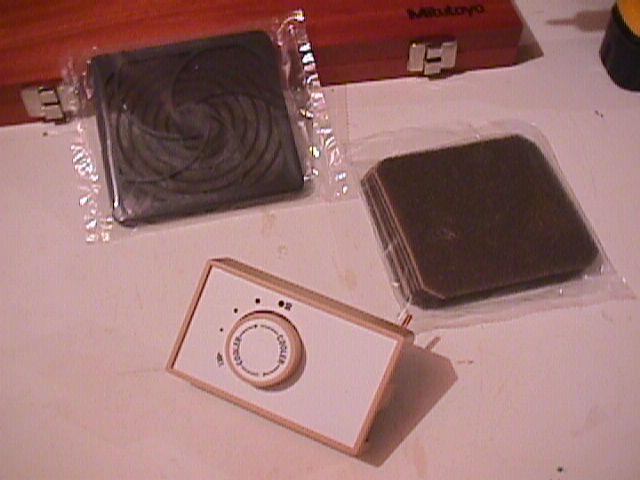
Pic #1 Shows Temperature Controller and Inlet Air Filter
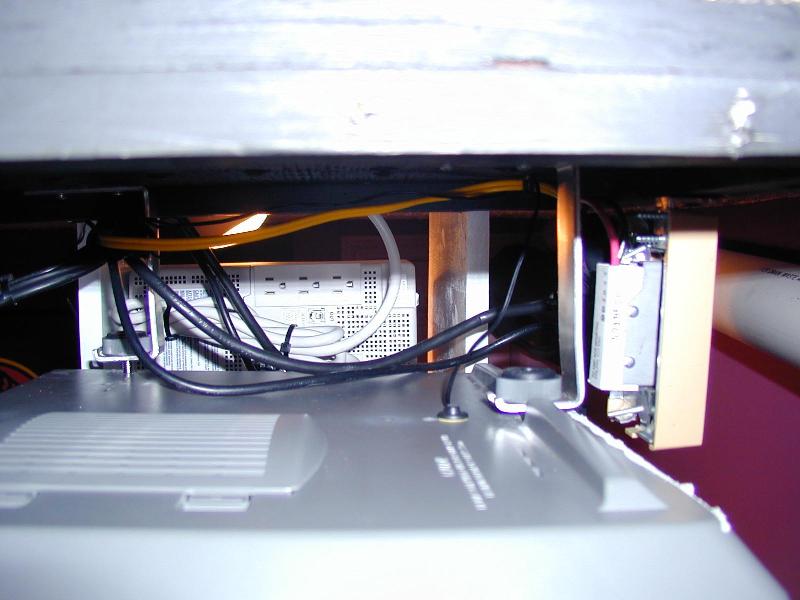
Pic #2 Shows Location of Remote Temperature Sensor. This is the Location of the Sensor that Shows on the Display Which is Shown in Other Pics. This is Where I am taking My Temperature Reading. It is the Small Black Disk Just in Front of the Rear Adjusting Foot.