6.10. The Screen Layouts of Guided Search
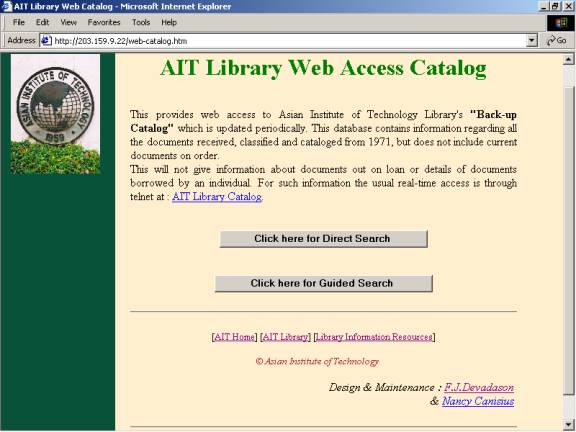
Figure 6. is the first screen of the AIT Library web access catalog
After selecting "Guided Search" and entering the query ��Remote Sensing� and the display type - �Full Record�, the screen looks as in figure 7 below :
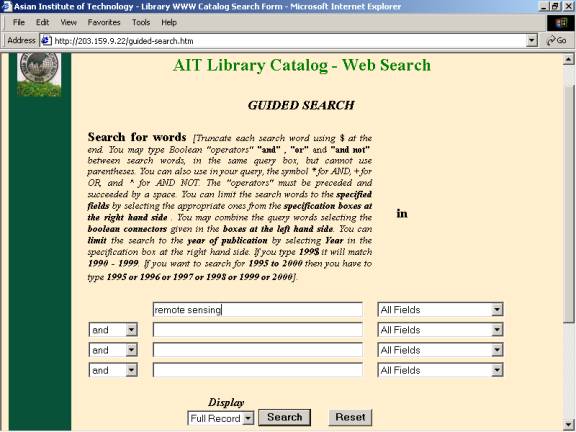
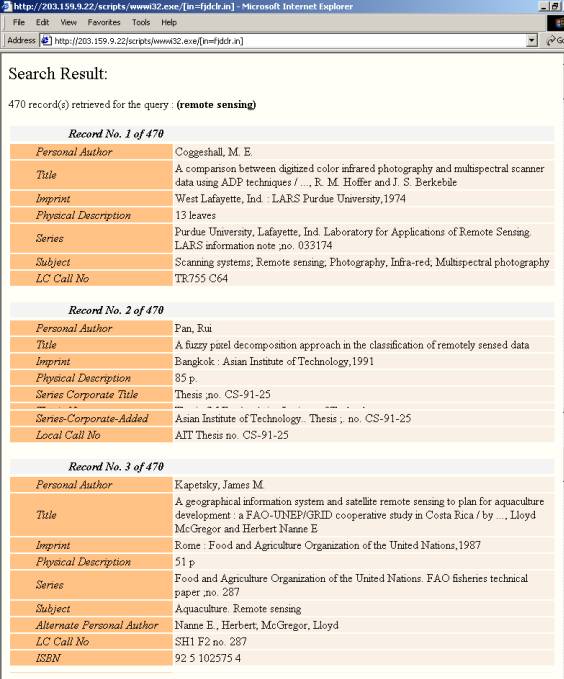
Figure 8. shows the search result of the above query after clicking "Search".
After entering the query � �Remote sensing� and selecting display type � �Citation� the screen looks as in figure 9 below.:
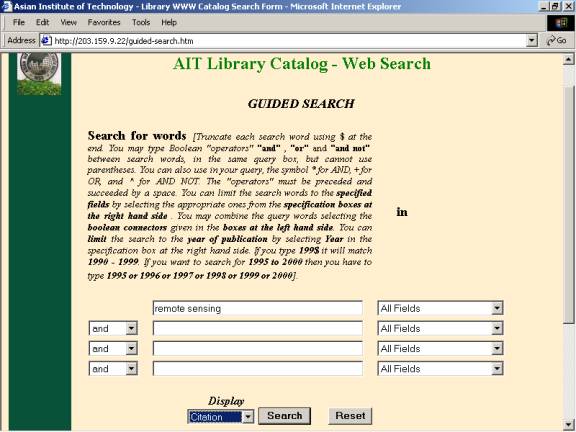
Figure 10. shows the result of the above query in the citation display format.
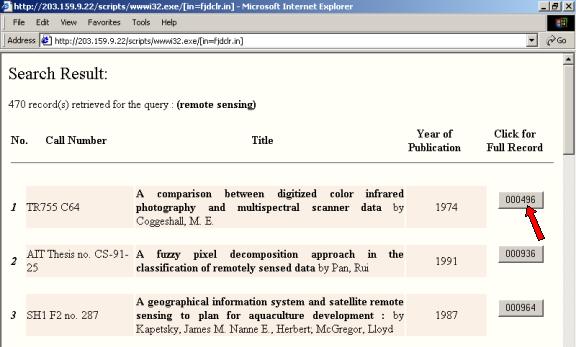
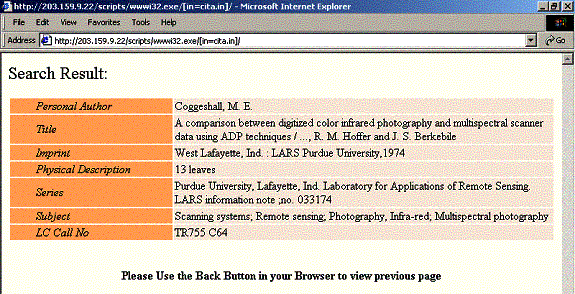
Figure 11. shows the selected record detail in full record format.