|
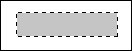
1. Make a new document 130 x 50 pixels. 2. Make a new layer. 3. Use the Rectangular Marquee Tool (M) to make a small rectangle and fill it in with any colour for now like this:
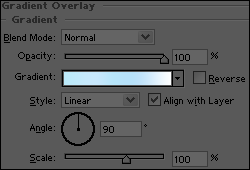
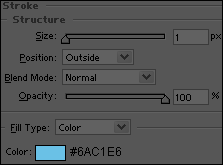
4. Apply the following layer styles to the button:
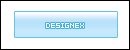
5. Now just add some text and you're done. This is what you should have now:
|