
|
Step 3: Powerpoint |
|
At this point, you have all of your information organized and laid out in a logical manner. You have also finished designing your slideshow. Now, you are ready to create the actual slideshow itself. If you missed class on the day we learned how to use Powerpoint, or if you just need to refresh your memory, here is a tutorial to help you out: |
|
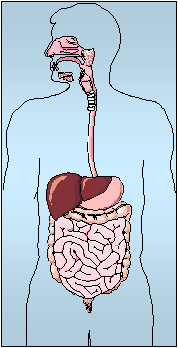
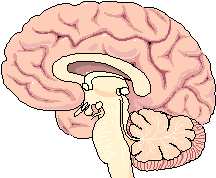
Once you have familiarized yourself with Powerpoint, you may begin searching the internet for visual aids. Use the links below to find pictures or animations for your slideshow. You may also perform an image search on Google.com. Click the link below, type in the key terms you want to find an image for (“digestive system,” “heart,” “lung,” “muscle,” etc.), then click the search button. When you are finished creating your slideshow, you are ready to prepare for your oral presentation! |
|
Click the “Step 4” tab on the left to find out how to prepare for your presentation.... |