Step 1.
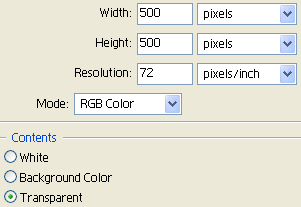
Open a new image 500x500 in size.
Have a transparent background.
Step 2.
Now make sure you have a black colour selected.
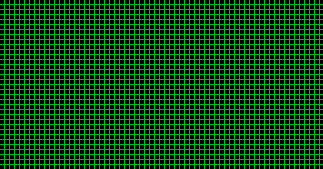
Once you have so use the grid pattern tutorial I have made, On a new layer, (CTRL+N)
Step 3.
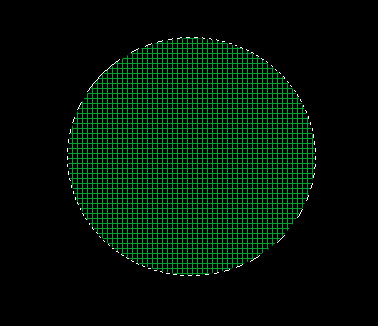
Now grab your Elliptical Marquee Tool and select a small circle in the image, In the middle so it looks better at the end.
Once you have selected your circle go Select>Inverse and hit DELETE.
Step 4.
Now go Select>Inverse again and go Filter>Distort>Spherize and make the settings on 100.
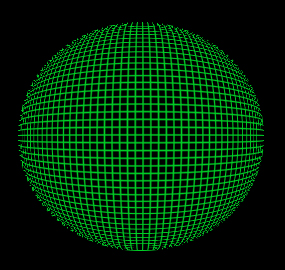
You should be done now and have something like below.