Step 1:
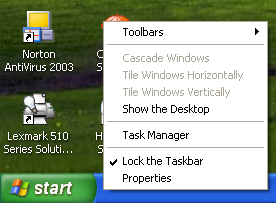
Go Down to the Task Bar and right click on it and go to Properties
Step 2:
Then up the top of the properties window click start menu then tick Classic Start Menu and apply and you done.
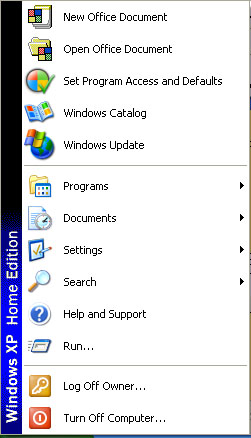
It should look something like this.
For this tutorial I will
teach you how to (in Windows XP) Change Back to the Classic Start Bar
Step 1:
Go Down to the Task Bar and right click on it and go to Properties
Step 2:
Then up the top of the properties window click start menu
then tick Classic Start Menu and apply and you done.
It should look something like this.