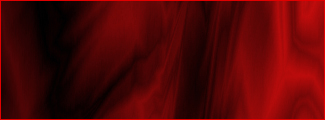
But it looks well good, So lets get on with it.
Step 1.
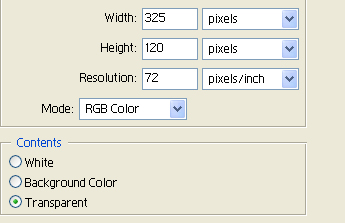
Open a new image 325x120.
Make sure it has a transparent background.
Step 2.
Now grab your Gradient tool (G) And set it to ''difference''.
Your settings should look like something below.
Make sure you colours are red over green.

Step 3.
Now once you have your gradient tool all set just go crazy and gradient everywhere.
Now, This is when it looks a bit trippy so go SHIFT+CTRL+U and make it a nice red colour.
And you should have something like below, And your done.