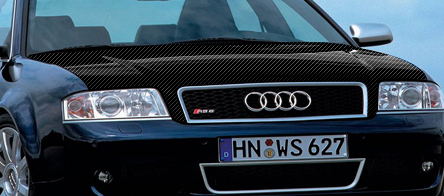
Its pretty easy and looks real good at the end.
Step 1.
Open up your car you are going to do the bonnet on, I picked this audi.
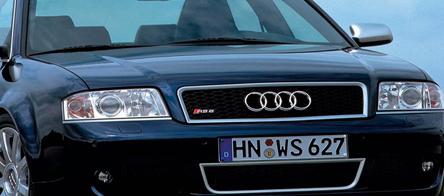
Step 2.
Now your going to get your Polygonal Lasso Tool and select the bonnet like so:
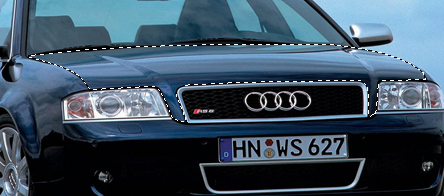
Step 3.
Once you have it select go CTRL+C+V and then hit CTRL+U.
This should have pasted the bonnet on a new layer and made it desaturated like below.
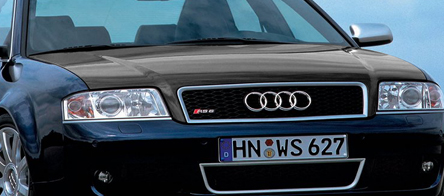
Step 4.
Right now you need to open up a new document (DON'T CLOSE THE CAR ONE)
And make the new document 4x4 pixels and make a pattern like I have below.
Once you have done that go Edit>Define pattern, And it will be stored in photoshop.

Step 5.
Ok for the final step, Close the pattern image, And go back to your car, Now make a new layer by going CTRL+N and go Edit>Fill and select the pattern you just made, Once you have pasted the pattern in, Go CTRL+CLICK on your bonnet layer and go SELECT>INVERSE and his delete.
Now on your pattern layer set it to ''overlay'' and your done, Should have something like below: