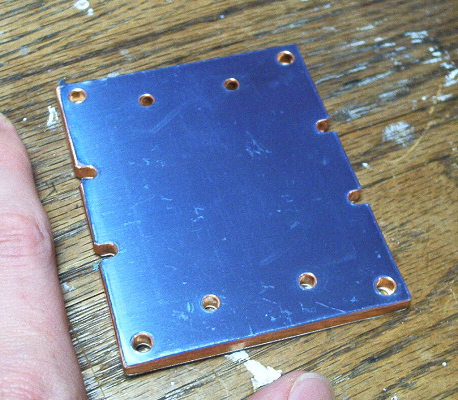
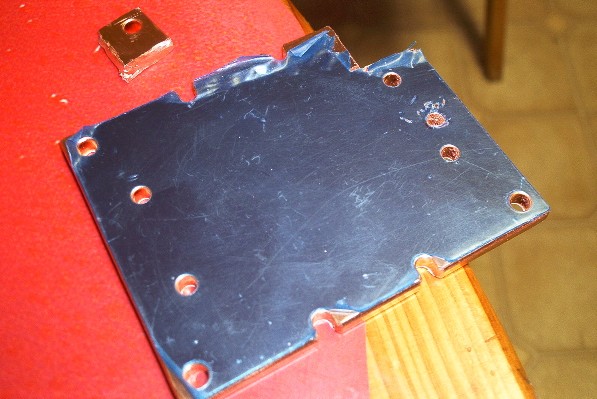
Next, I made modifications to the copper heat spreader in order to mount the HeatlaneZen. I lined up one screw hole with one existing motherboard mounts and drilled a new hole for the bottom-most mount. The other mount point requires a notch to be drilled into the side of the spreader (not pictured). I also had to cut out a corner and shave some spots underneath to make room for ICs that stick up off of the processor card
The spreader before modification:
The spreader after cutting:
I had to use order 12mm versions of the processor mounting screws, to allow for the extra height of the spreader. After assembling the HeatlaneZen and applying some Arctic Silver thermal compound, I mounted the new heatsink and the processor card on the motherboard. A certain amount of guessing was involved with ensuring that the spreader was in firm contact with the CPU yet not pushing too hard on the card, and that the screws were putting an even amount of pressure on each side.
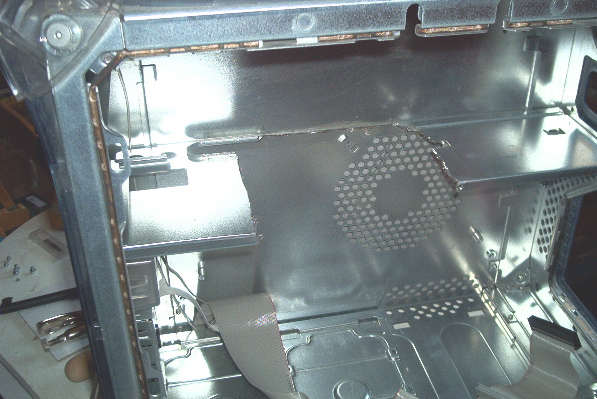
After making sure it booted and worked, I removed the motherboard and cut the space necessary for the new, much larger, heatsink.
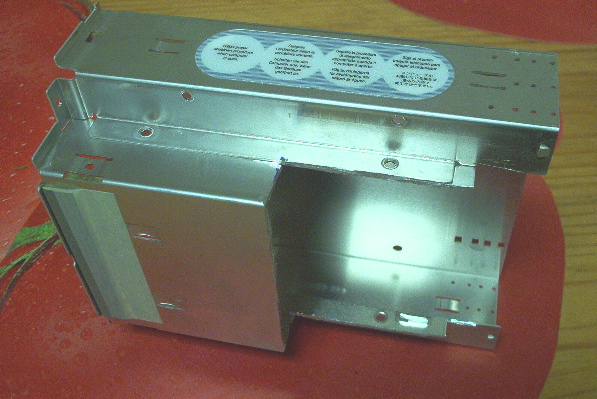
I also had to cut the bottom part of the drive carrier.
I installed the Barracuda V hard drive into the Silent Drive enclosure. It has to sit lengthwise across two drive bays in the bottom of the case. I took out the PCI slot bezel next to the video card so some ventilation could come in past the fanless GPU heatsink. I hung the Pabst fan with zip ties from the top of the case, in a location that puts the intake of the fan right over the processor. I made an aluminum duct to take the air directly out of the case. The DC convertor sits on the floor, mounted on a scrap of beige plastic. In this picture, you can see how huge the heatsink is.
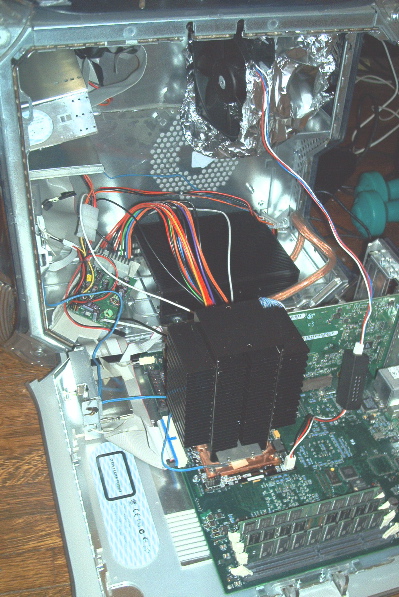
Closing the computer requires some jumping through hoops. Because the heatsink lies close beneath the CD drive, the CD drive has to be removed in order to open and close the case. The cables to the CD drive are zip tied out of the way of the heatsink. I cut a bit of the tabs off of the front bezel so that it can be removed without opening the case. I mounted the thermometer readouts in the space normally occupied by the Zip drive. After closing the case, the drive carrier slides in and the bezel is attached to the front.
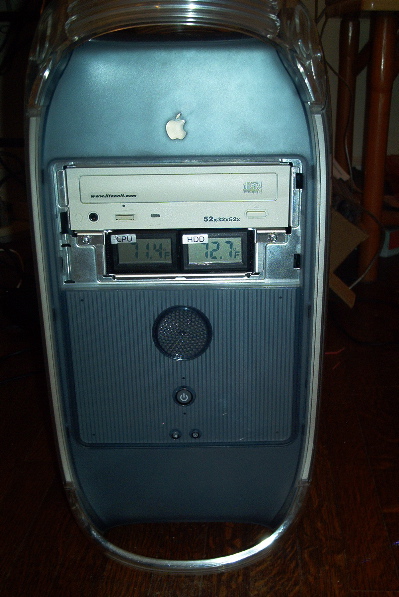
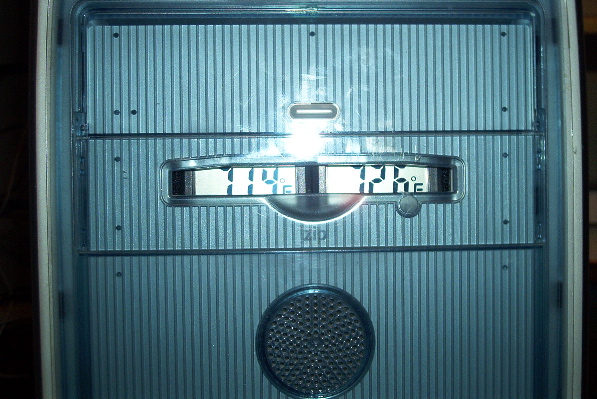
Was all this worth it? With the fan running at 5 volts, I can barely hear it, but it is still audible if there isn't any other noise in the room. If the fridge is running, or the central heat is blowing, it can't be heard. The CPU temperature has stabilized at about 38-42 C, and the hard drive runs about 34-36 C. Like I had read in a review of the drive enclosure, it does not entirely silence seek noise, but it does reduce it and there is no audible whine. The Barracuda V hard drive is an excellent value, it's extremely quiet even without the enclosure. The mini-itx power supply also appears to be worthwhile; no fan, and it works well so far. Only time will tell if it proves to be reliable. I don't think the HeatlaneZen is really worth the extra money and large amount of hassle. If I had to do it over, I would keep the upgrade's original heatsink and experiment with fan size, placement, voltage, and ducting. And jeers to CompUSA for the farenheit-only thermometer readouts; it would be better if those were Celsius.
A problem is that now that I have quieted the computer, I now notice that my monitor buzzes, my speakers buzz, and my router emits a soft high pitched beeping that coincides with the activity light ;(
Many thanks to Applefritter!