~ Sending a Page ~

| On each one of my
pages there is a button for you to use to send the page to someone.
These are examples of the buttons I use on the pages: |
| Example 1:
Example 2:  |
|
Once you click on the button this will be the first 2 Mailbits screen you will see. Enter the info. (you don't have to put your last name) 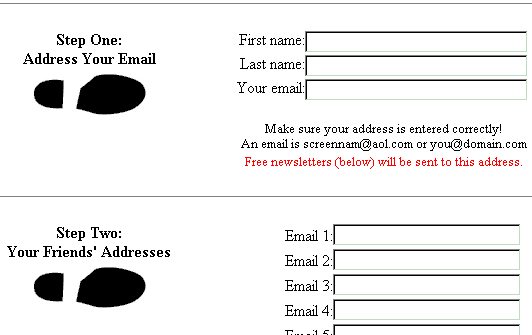
This is the third screen you will see. 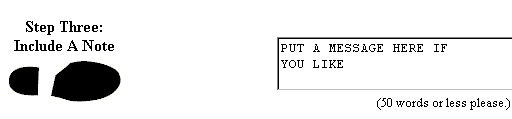
This will be the final screen. Press submit to send. 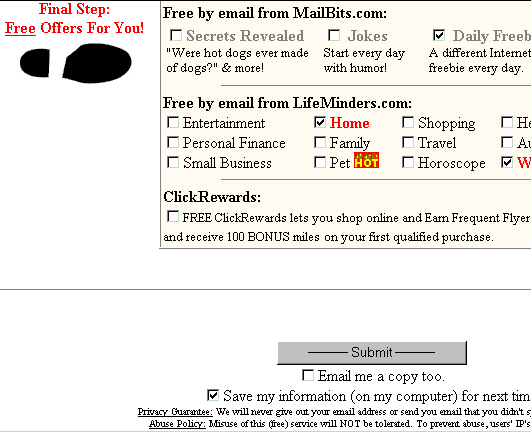
Another screen will come up and ask for other information, but these are the ones necessary to send the page out to a friend. If you have any questions, you can email me. I will be glad to help you.  
 
LoriFlower Invites you to join. LoriFlower's Egroup It is an egroup where she sends out Inspirational Pages  Click to subscribe 
12/12/00
|