All wallpapers 1024-768 resolution. (Though they will work on just about any resolution. Especially smaller resolutions.)
Please DO NOT download more than 25 wallpapers per hour. If too many wallpapers are downloaded at once, this site will be temporarily shut down. Thank You.
See bottom of page for wallpaper instructions.
A HUGE thank you is due to all these awesome dc talk sites for creating all these wallpapers and making this site possible. Thank You guys!!!!
Please take a second to sign the dcTalk Wallpaper Guestbook! It helps me know just how I'm doing and helps me improve the site! Thanx.
Sign the dc Talk Wallpaper Guestbook
View the dc Talk Wallpaper Guestbook
Wallpapers last added: 12-22-2003
Current wallpaper count: 143
dc Talk




TobyMac



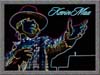
Kevin Max
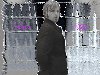
Tait


dc Talk
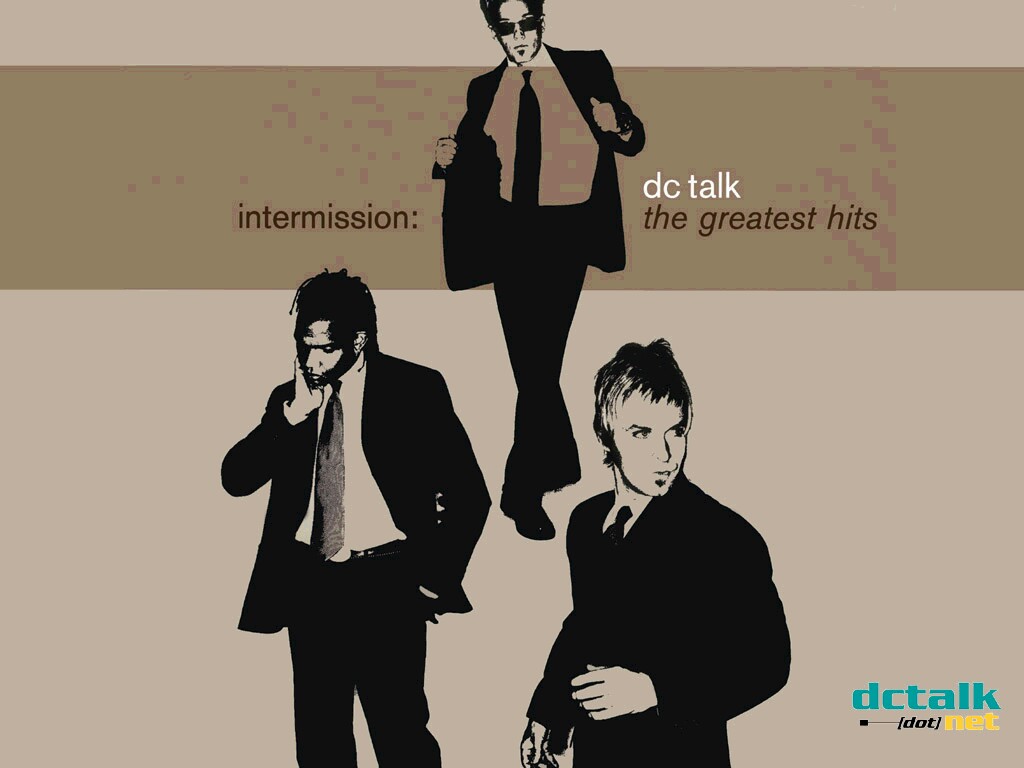


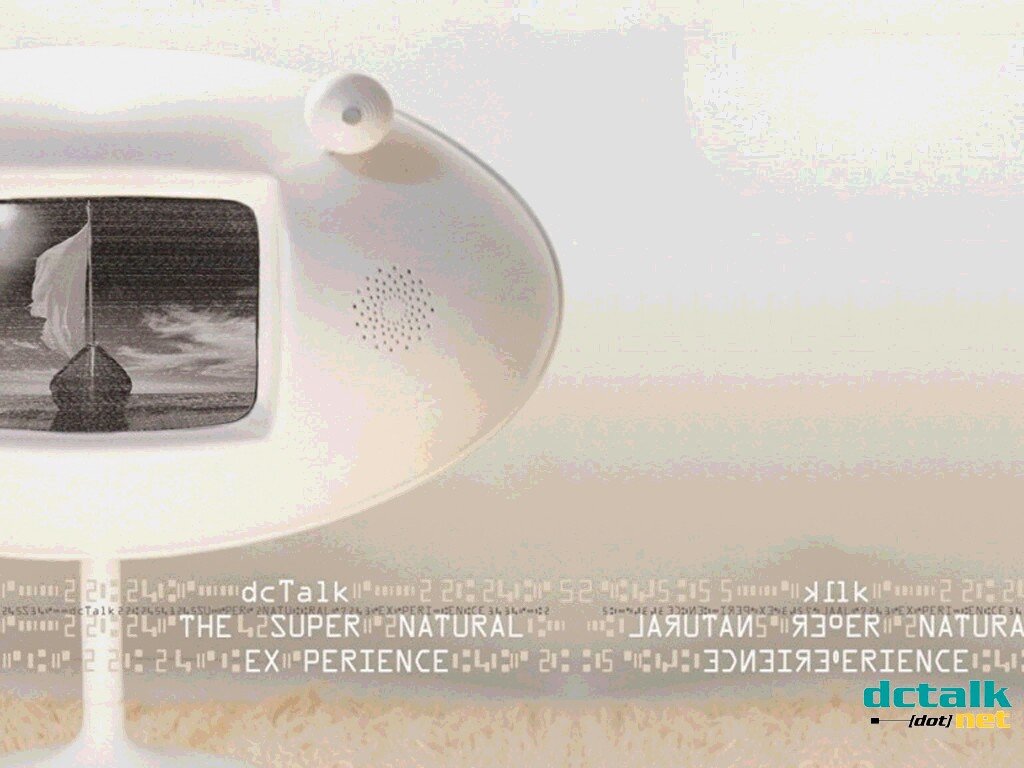
TobyMac



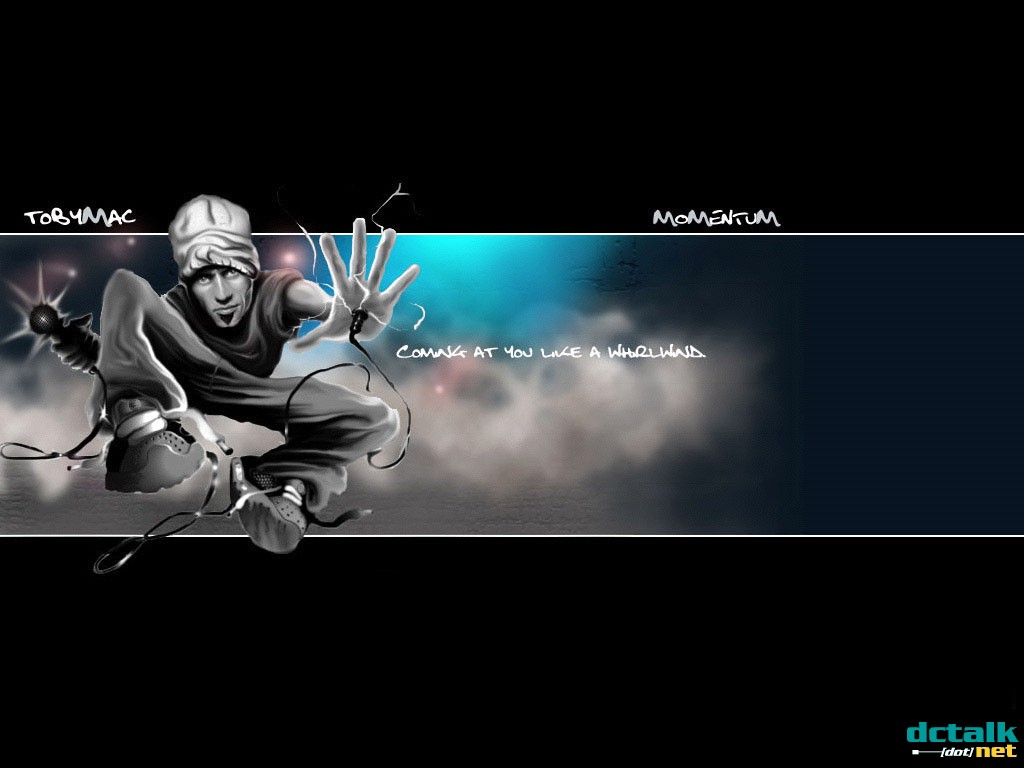
Kevin Max


Tait


dc Talk



TobyMac



Kevin Max
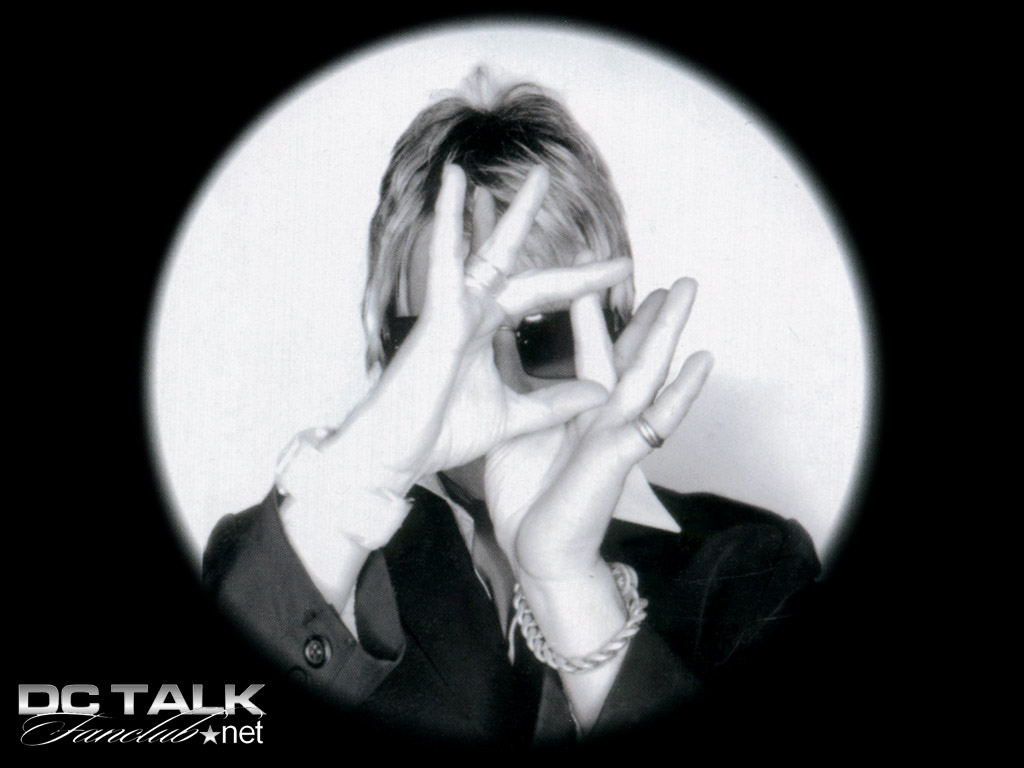


Tait

dc Talk

TobyMac


Kevin Max
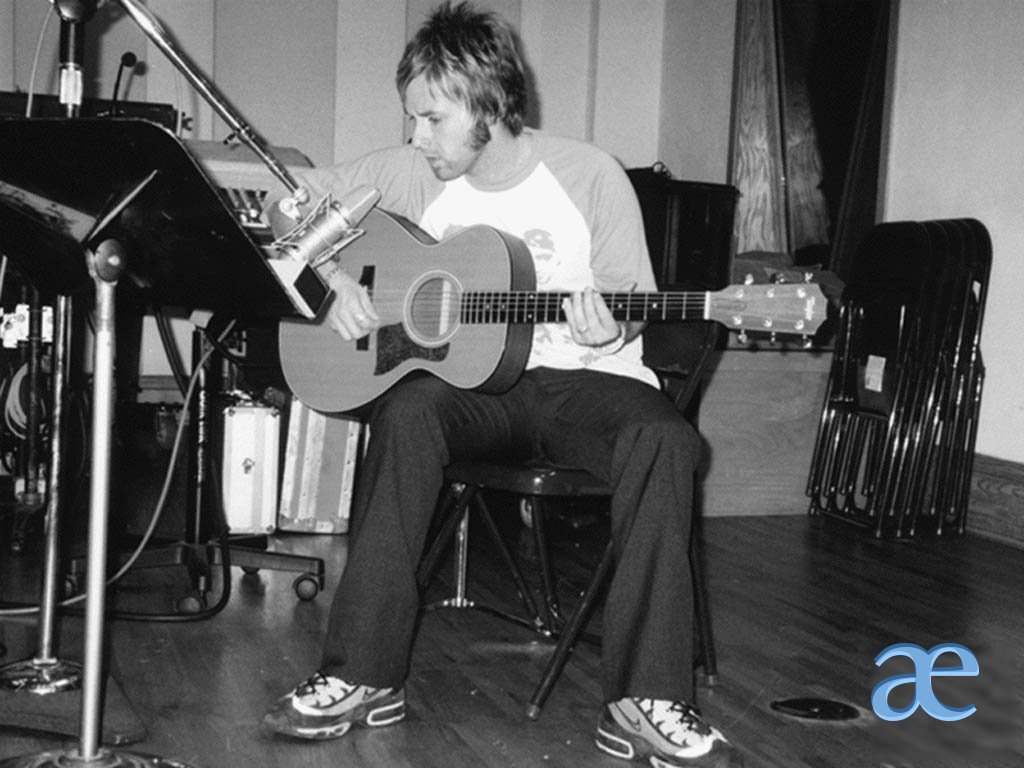

Tait




dc Talk

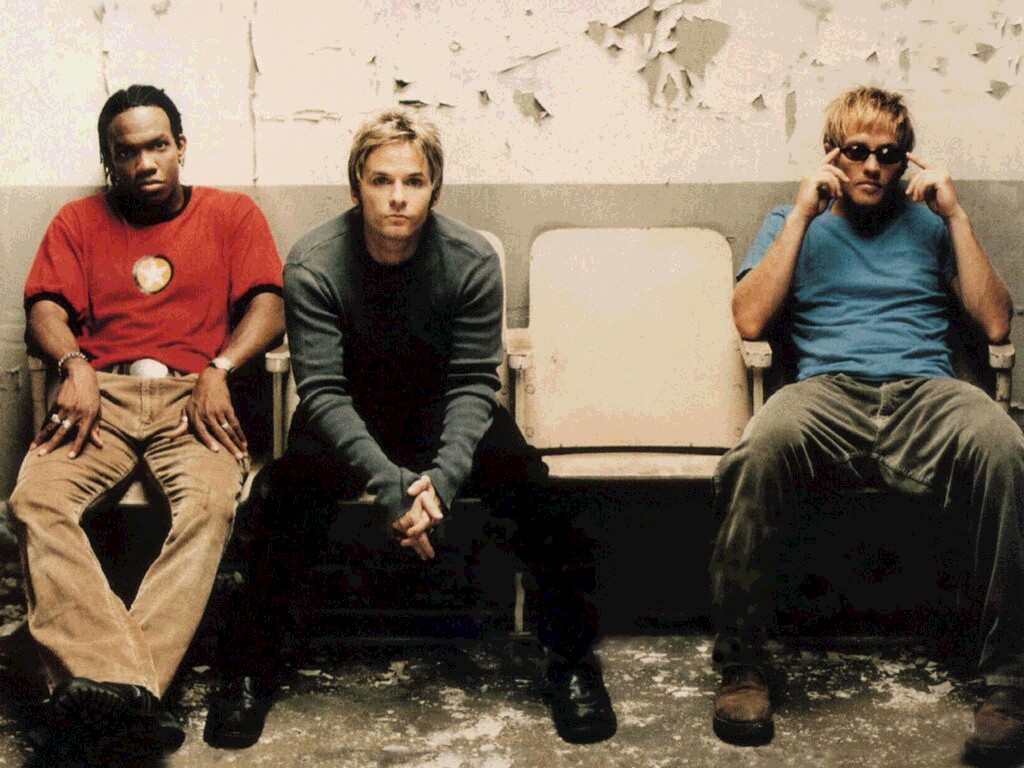




TobyMac








Kevin Max

Tait
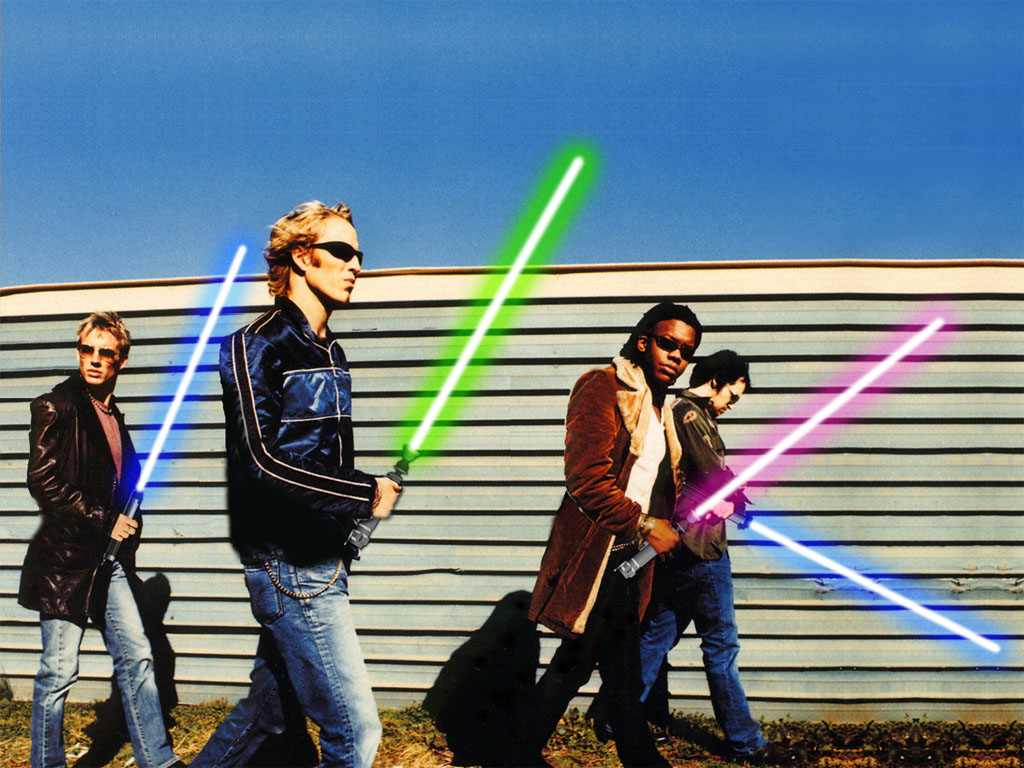
(Tait with... light sabers?? This is a fun wallpaper!)
dc Talk


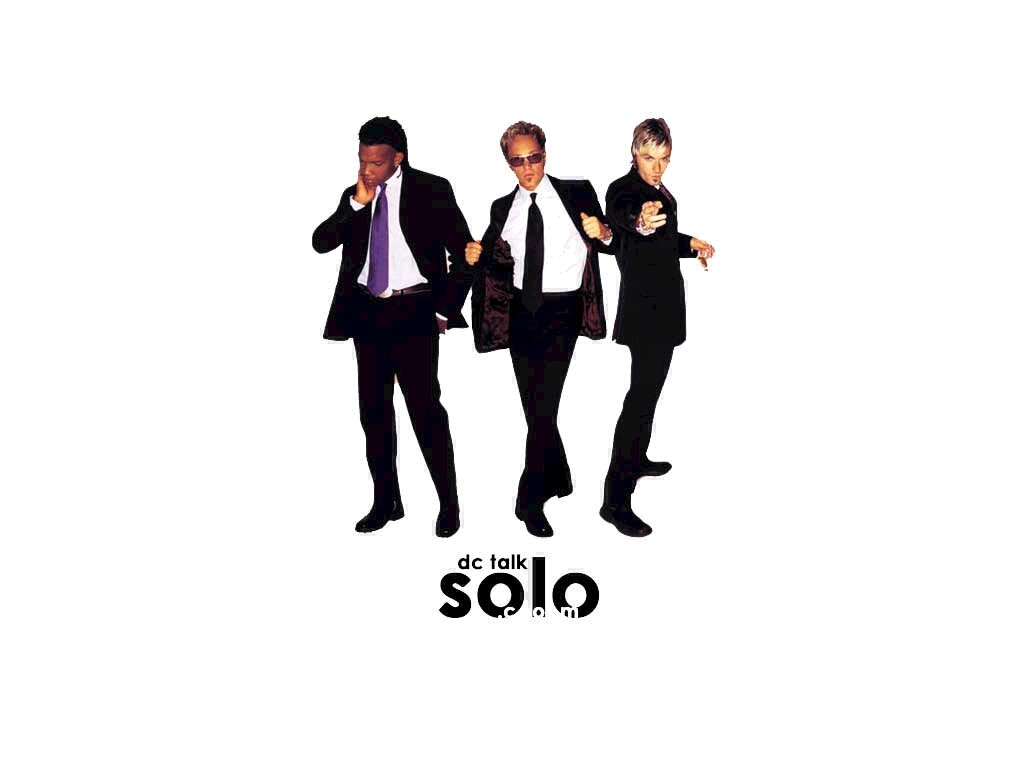

TobyMac




Kevin Max

Tait



dc Talk
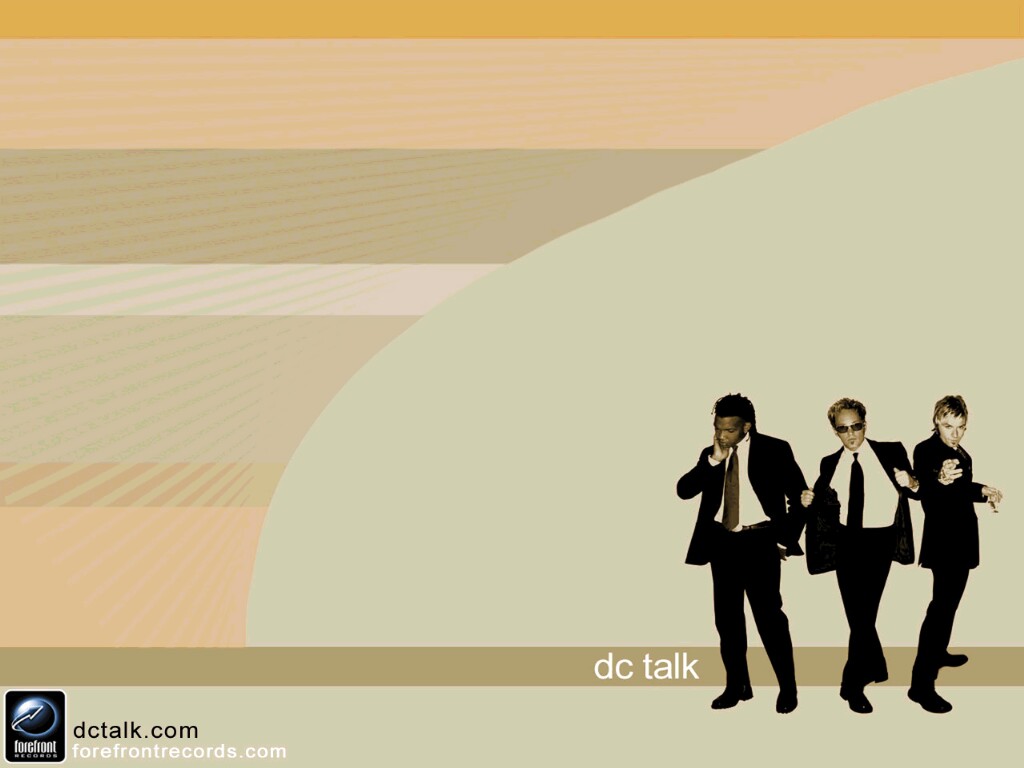


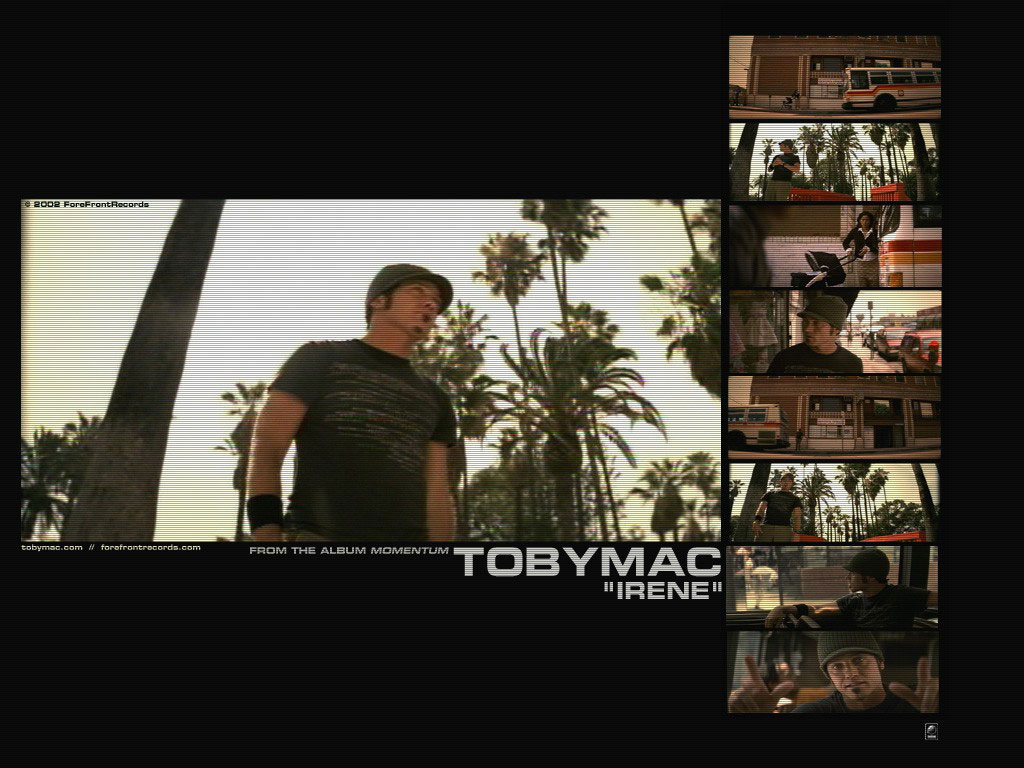
TobyMac


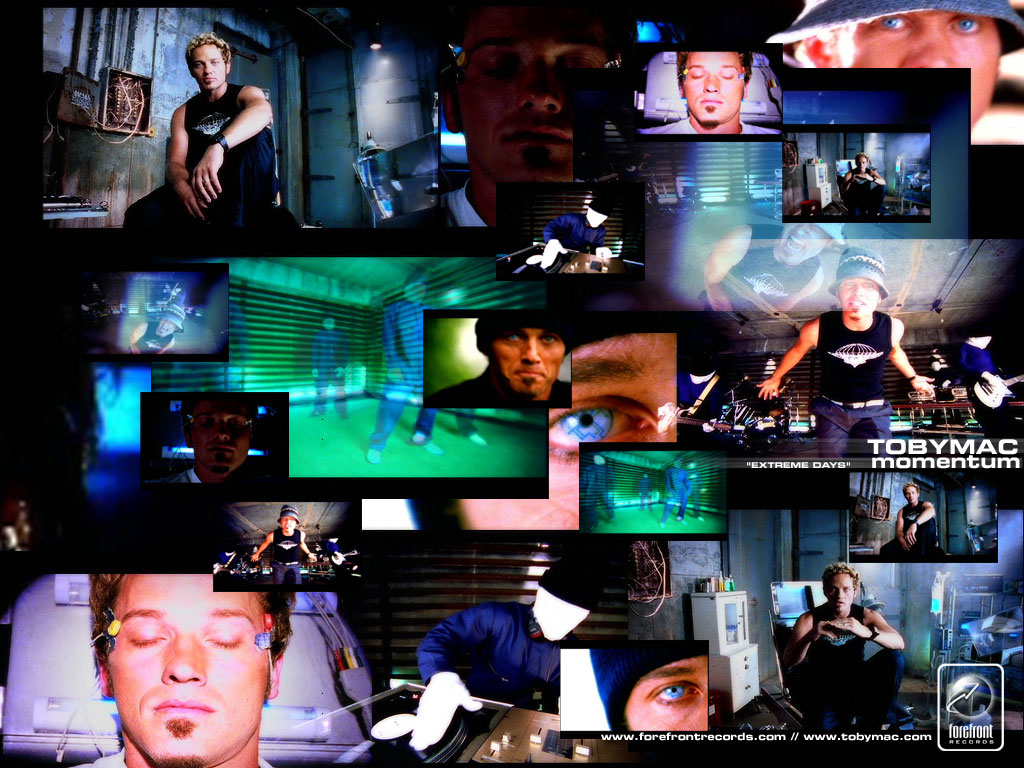
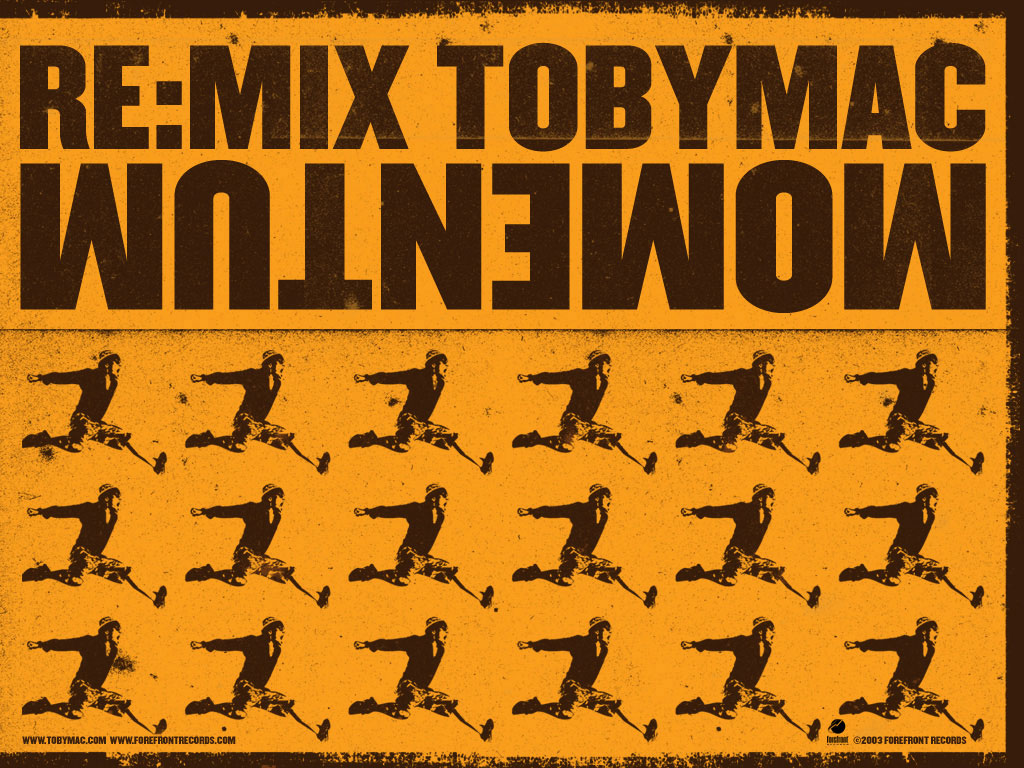


Kevin Max

Tait



dc Talk
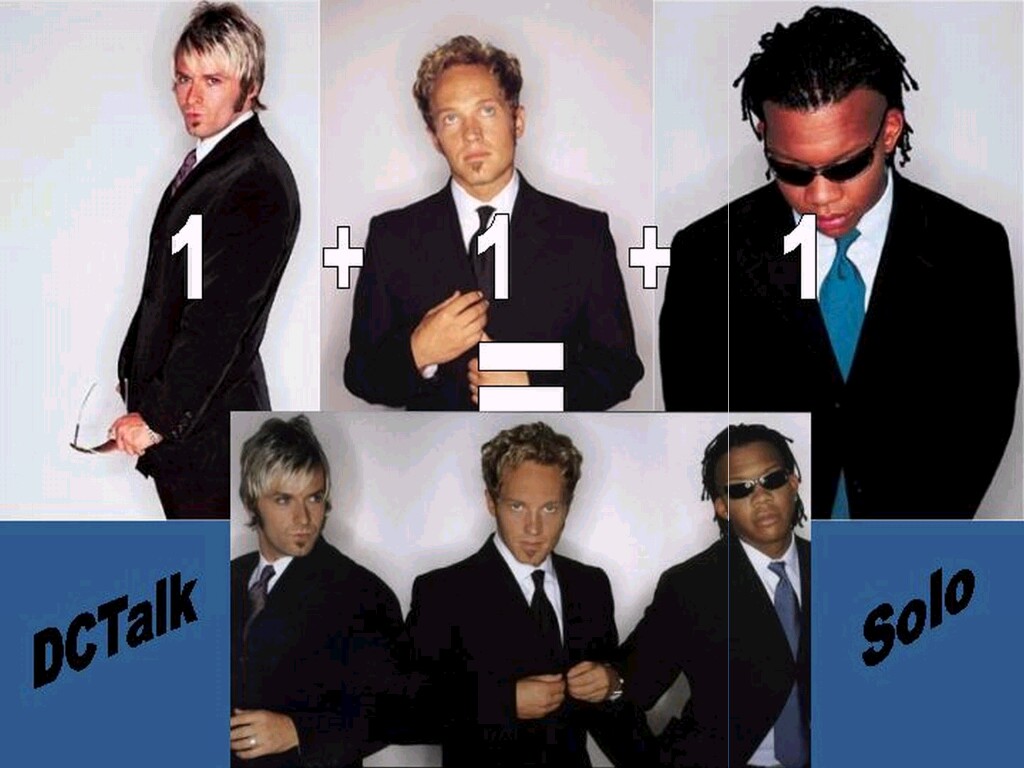
TobyMac


dc Talk


Kevin Max

Tait
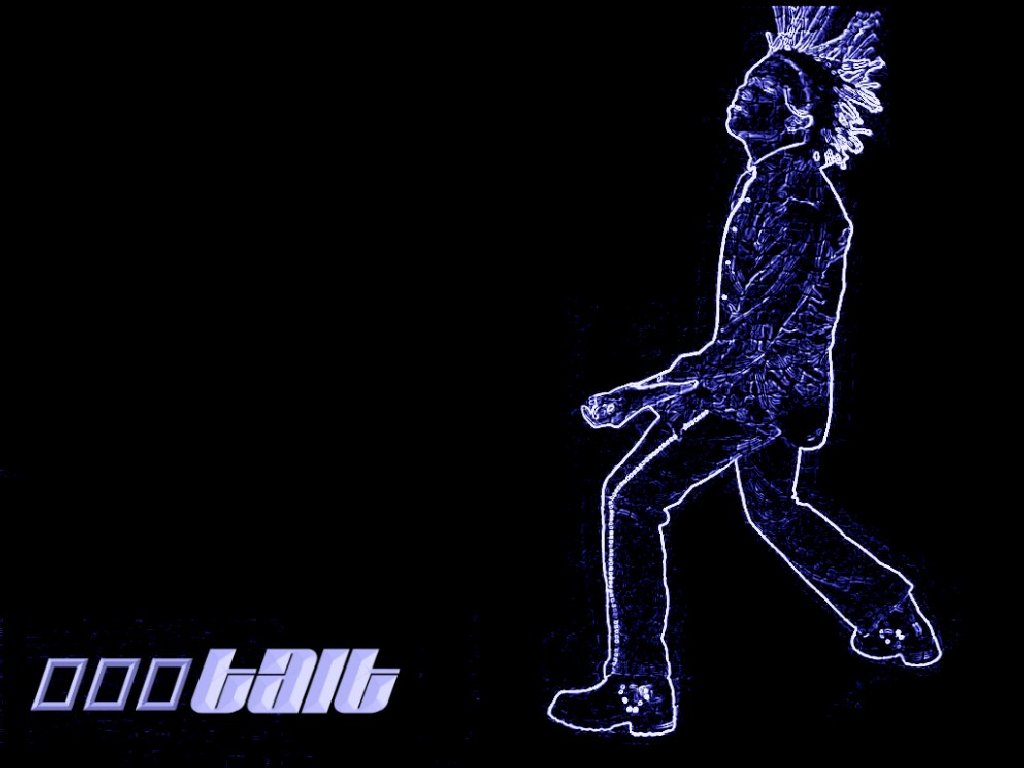
dc Talk

tobyMac

Kevin Max

dc Talk


TobyMac

Kevin Max

Tait

Kevin Max

















Windows Wallaper Instructions:
Using your mouse, click on the link that corresponds with image and resolution you desire. When the new window opens up, right click on the downloaded picture and Select "Set Image as Wallpaper."
Macintosh Wallpaper Instructions:
Using your mouse, click on the link that corresponds with the image and resolution you desire. When the new window opens, click on the downloaded picture and hold down the mouse button. Select "Download Image to Disk." Choose to save the image to the Desktop. If you have a "Desktop Patterns" control panel, drag the file on your Desktop to the Desktop Patterns control panel, then go to the "Appearance" control panel and select the image you downloaded. If you do not have a "Desktop Patterns" control panel, then go to the "Appearance" control panel and select "Desktop" then drag the file on your desktop to the picture window. Finally, click "Set Desktop" to activate the wallpaper.
