|
This tutorial was totally created by me and any resemblance to other tutorials is completely coincidental. If you haven't read my Terms of Use, please do that before continuing. Please do not send this tutorial through e-mail. Do not copy it in any manner without my permission. Lists or groups may provide the URL to this tutorial page only. This tutorial may not be placed on any site without my written permission. This tutorial is the basics of node editing with PSP 8.
MATERIALS REQUIRED FOR THIS TUTORIAL
Jasc Paint Shop Pro 8
Let's get started!
1. Open a new image 400 x 400, transparent.
2. Add a new raster layer.
3. Choose a color and make it your background. Set your foreground to null.
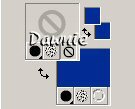
4. Select your Preset tool. 
Choose Ellipse with Anti-alias and Create as Vector both checked, and line style #1 Solid. Draw a good sized circle.
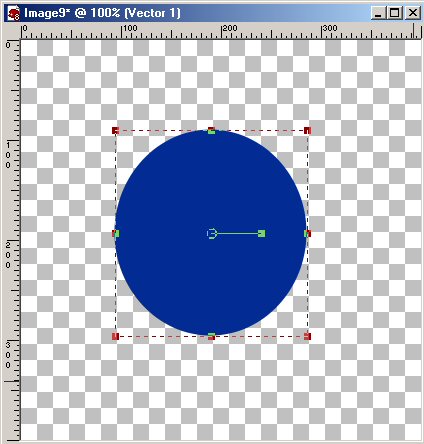
5. Go to Objects - Align - Center in Canvas.
6. Click on your Pen Tool.
Choose Edit Mode.

You should now have 4 edit nodes around your circle.
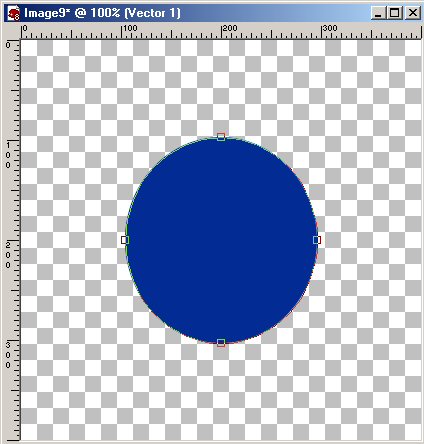
6. Place your cursor on the top node and click once. You should have this:
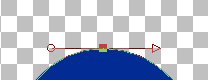
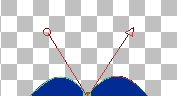
7. Place your cursor over the arrow and drag it upward. Place your cursor over the circle at the opposite end of the arrow and drag it upward, symmetric with where you placed the arrow.
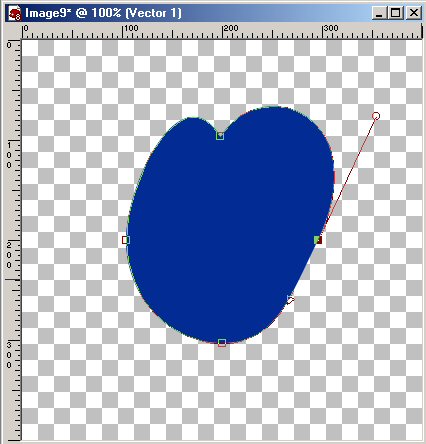
8. Click once on the node on the right side of the circle. Put your cursor on the circle and drag it upward and outward slightly, until you see the shape of the right upper quadrant of a heart. Put your cursor on the arrow at the opposite end and drag it into the circle slightly, making the entire arrow straight. It should look like this:
9. Do the same for the opposite side, making the sides look alike.
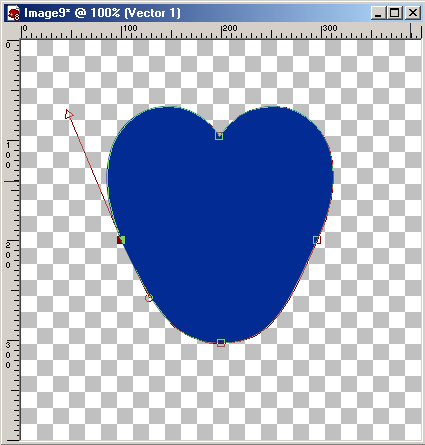
10. For the finishing touches, click on the node at the bottom of your "circle". Place your cursor on the arrow and drag it upward, making the line of the arrow linear with the edge of the "circle". Do the same with the opposite side. You should end up with something like this:
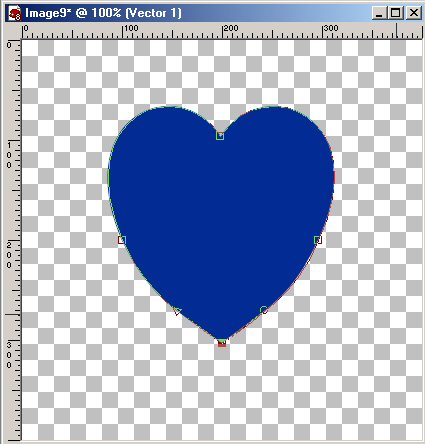
11. Congratulations, you have made an image using node editing! The sky is the limit for you now! Thank you for doing my tutorial. If any of the images are not there, please email me and I will fix it. Thank you!



|