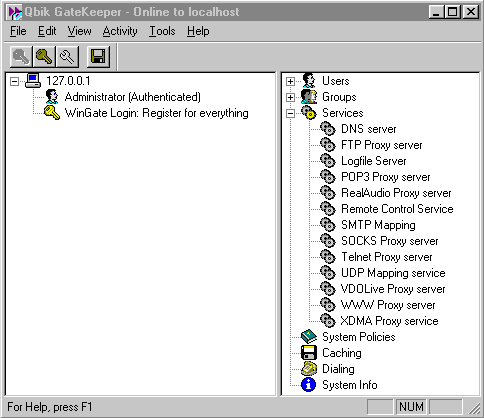
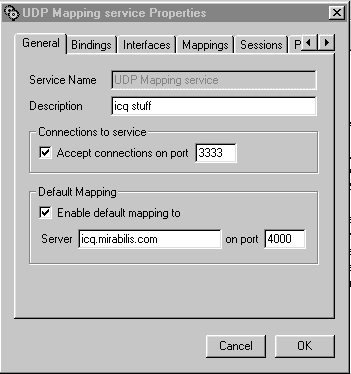
 Under the "General" tab.
Under default mapping, check the "enable default mapping to" box and enter where it says "server" icq.mirabilis.com on port 4000
If you care to know what you just accomplished, this tells wingate that you want your client machines to reach the server on port 3333 and go straight out to the servers at icq.mirabilis.com on their port 4000.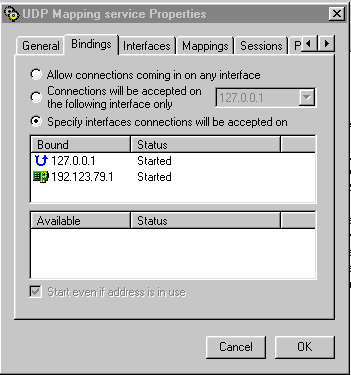
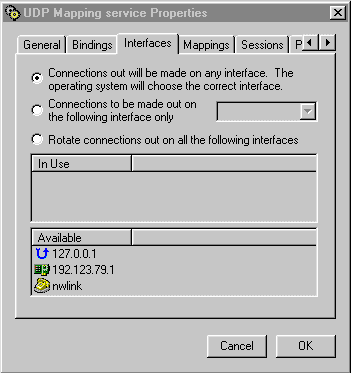
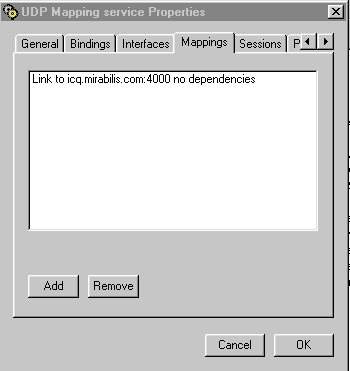 From here, we need to either modify or add a mapping.
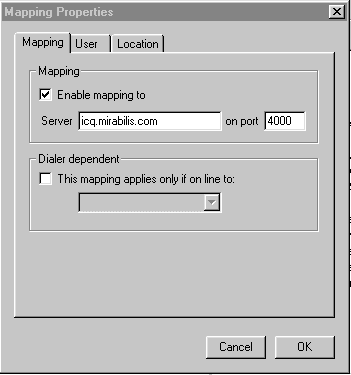 You can modify your location and user tabs to fit your needs, i have none other than the Everyone choice.
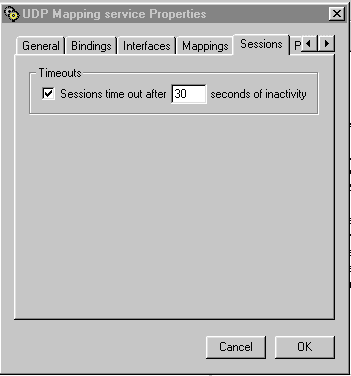 You need a small session time out, but it won't affect you in any way other than keeping your gateway manager clean. In the next step, you need to remember that you need to grant access to this service to any user who wants to be able to use ICQ through Wingate.
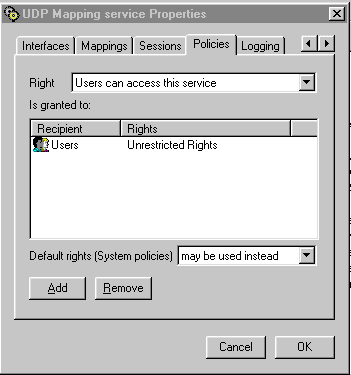 I have everyone with unrestricted access here, but i have only two other users here at home that go through, some modifications may need to be made from system to system.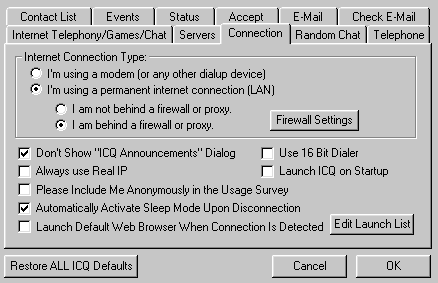
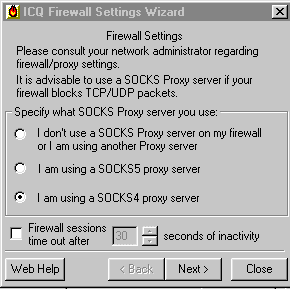
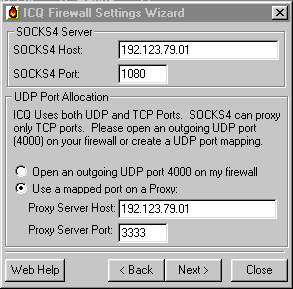 Type in the IP Address of your Windows95 Wingate machine where it asks for SOCKS4 HOST and keep the default 1080 for the SOCKS4 PORT number. ** Unless you have purposefully changed this number, then put in the port number you have customed for your system**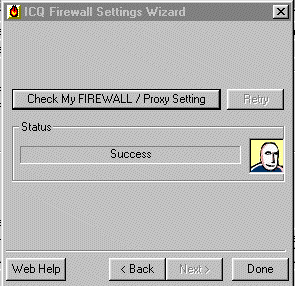
this should be the result if you've configured everything correctly. If you have any other questions, please feel free to e-mail me at [email protected] and i'll try and help you out as best i can.