The downloadable file at the bottom of this page is an MS Excel Add-In containing 2 functions and 6 utilities I created for your free use:
- FileName
- This function returns the exact path and directory for the active workbook in the cell it is entered.
- PPDate
- This function is useful if you want to find the pay date for the entered date. The date can either be entered directly into the function, within double quotes, or it can be reference to a cell containing a date. This function returns a serial date value, so you will have to set the format for your cell to a date.
- File Save As
- This utility opens a save dialog set to the exact path and directory for the active workbook. No more searching around for the file location if you have been doing other work.
- Clear Dupes
- This utility searches for duplicate entries in the ID field you designate, then deletes their entire row. Please be sure you enter the correct column to search for dupes, or you will lose your data
- Highlight Dupes
- This utility is similar to the last one, except that it highlights the entire row yellow when it finds duplicate entries.
- Trim Spaces
- This utility trims any leading and following spaces for the selected cells, or the entire worksheet.
- Trim File
- This utility removes any blank rows and columns from your worksheet reducing the file size. Be careful though, it saves the file when it is done.
- Freeze Frames
- This utility removes the current freeze and places it at the top and left of the selected cell(s).
- *NEW* Distinct List
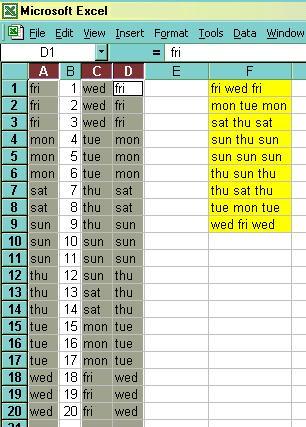
- This utility takes a list containing duplicate entries and returns a list of distinct values. It will even concatenate multiple columns and return the distinct list from that.
Download the Add-In File HERE
� 2002 Dan Herrera
These functions may be distributed freely, but please give credit where credit is due.
And if you feel you must give credit, or have a request for a custom function/macro,
please send me a note DataMasterFla
Sign Guestbook
View Guestbook
Back.
Close