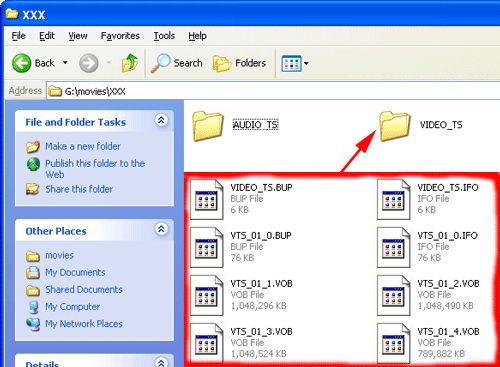
1. Preburn steps. Before we burn the movie with recordnow, we need to make two new folders and put the movie files in these folders. Go to where the movie is, then make an AUDIO_TS and VIDEO_TS folder and put the movie files into the VIDEO_TS folder.
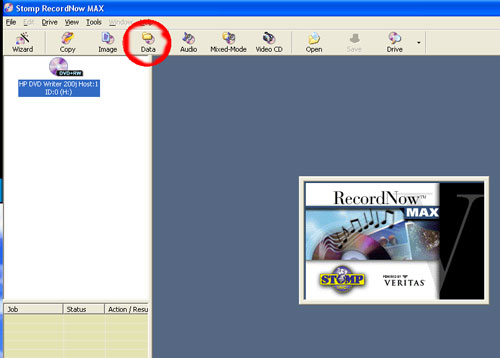
2. Open up Recordnow Max. Click on the Data button.
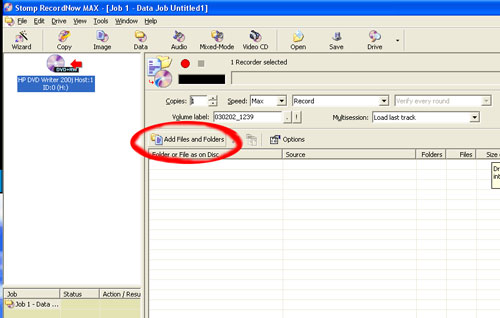
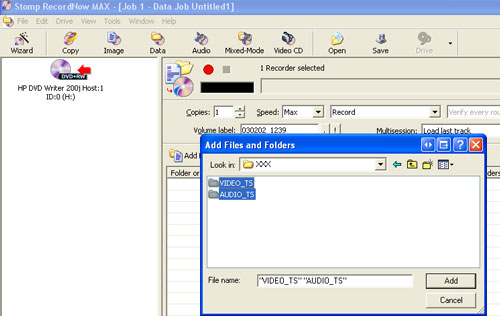
3. You'll see this screen next, click the Add Files and Folders button
4. Before we burn just check to make sure your Options are set to this:
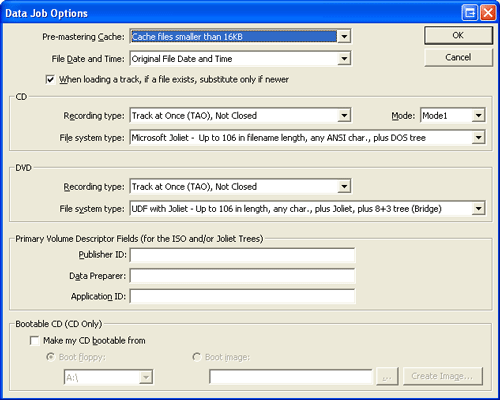
If so, just click the burn button and in 10 - 20 minutes you'll have your first backup.