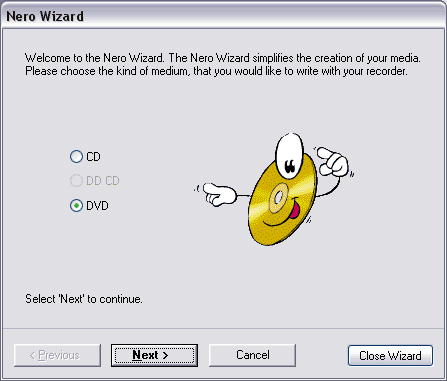
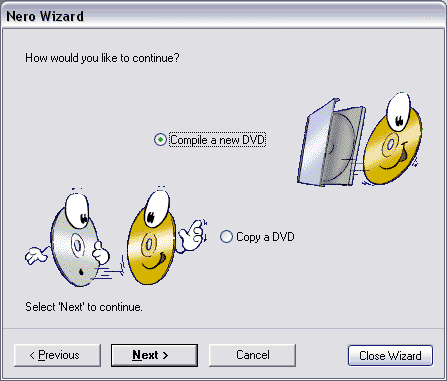
1. Open up neroburn, use the Wizard.
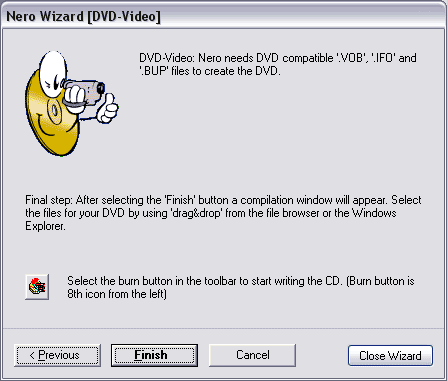
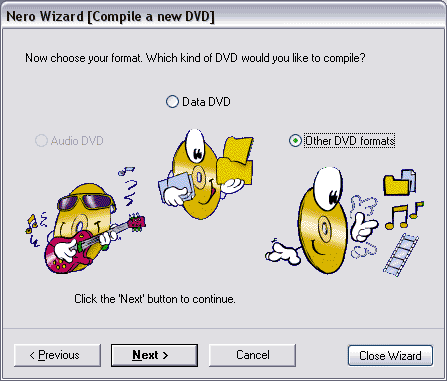
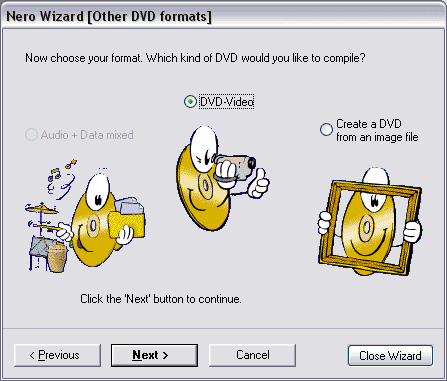
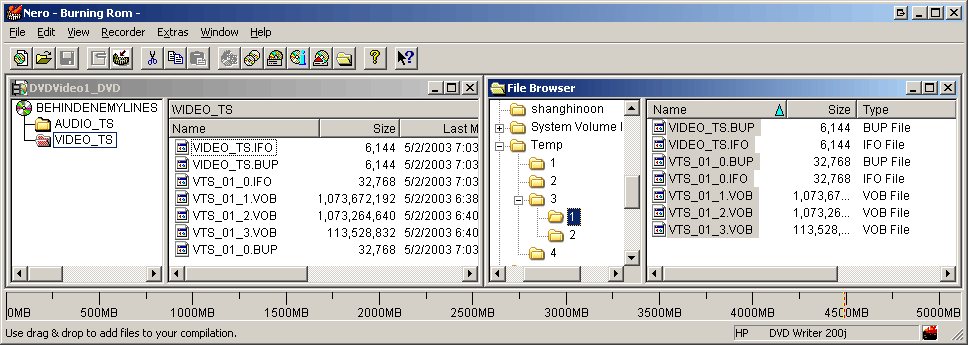
2. Just browse to where you saved the final files from step 3 or 4, then drag them into the VIDEO_TS folder.
NOTE!! to get the movie so it is playable on the XBOX gaming console,
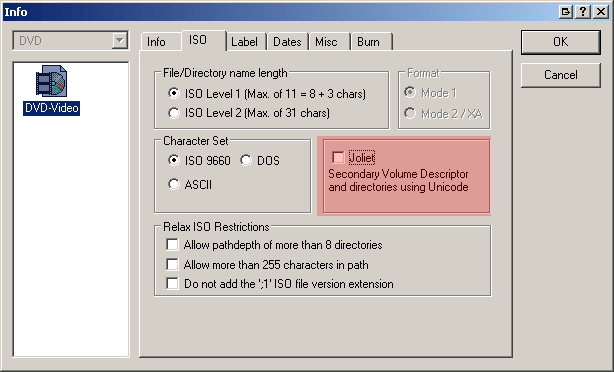
go to File > Compilation Info.
Go to the ISO tab and UNCHECK Joilet. For some reason when you do this,
the movie will play in an xbox fine.
Then click OK. And then click the burn button If
it ask whether you want to Begin a Multisession, make sure you say NO,
do not begin multisession.
If
it ask whether you want to Begin a Multisession, make sure you say NO,
do not begin multisession.