Bordered Text
1. Open a new image with the color that you want the border to be.
2. Select the text tool and any font/size that you want. Make sure floating and anti-alias are checked.
3. Go to Selections -> Modify -> Expand. Click Ok at the pop-up. Set Expand to 1.
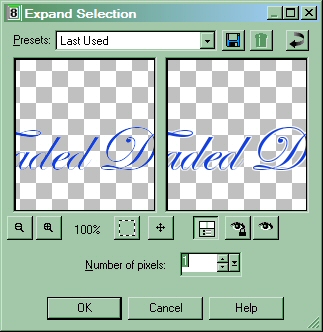
4. Press Ctrl C.
5. Open up a new image that is a different color from your border color and paste the image. It should turn out like this: