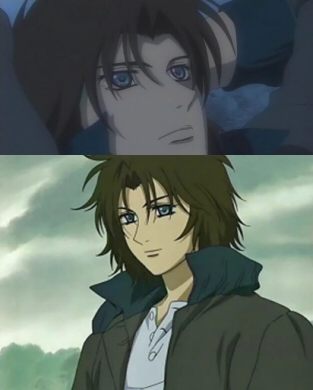
 Blending
1. First get two images that are the same height or width. It depends which way you are blending them.
2. Open them up in PSP. Select, copy, and then paste both images into a new image.
3. Make sure they overlap by a little less than half the image.
4. Select the area where the two images overlap like this:
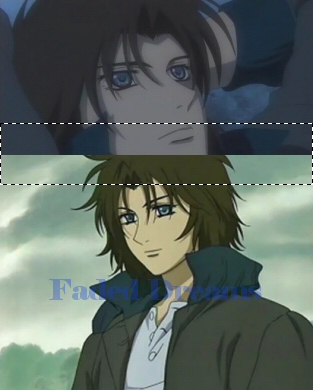
5. Go to Selections -> Modify -> Feather and put the feather on 50. For some images you may have to change this. You may get a pop up before this and if you do just click ok.
6. To make it start to blend start pushing the 'Delete' button on your keyboard. Keep pressing till you are satisfied.
7. Go to Layers -> Merge -> Merge All(flatten), The end product should be this: