For
the purpose of this exercise I'm going to use Duchess again, as some of
you will have seen me use this image before;

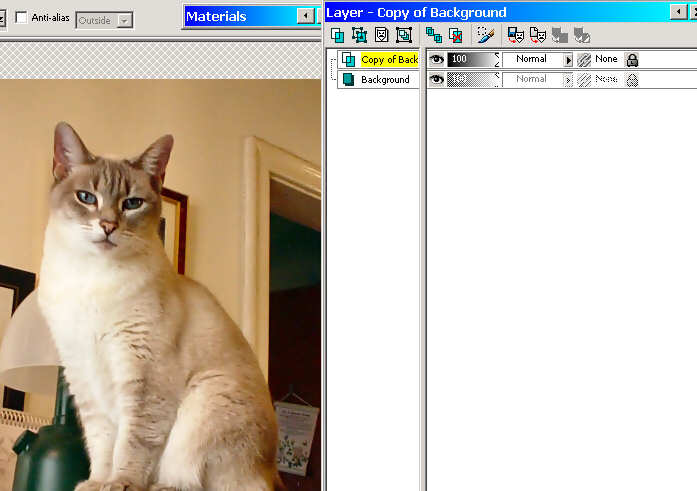
Step 1: Create a duplicate
layer:
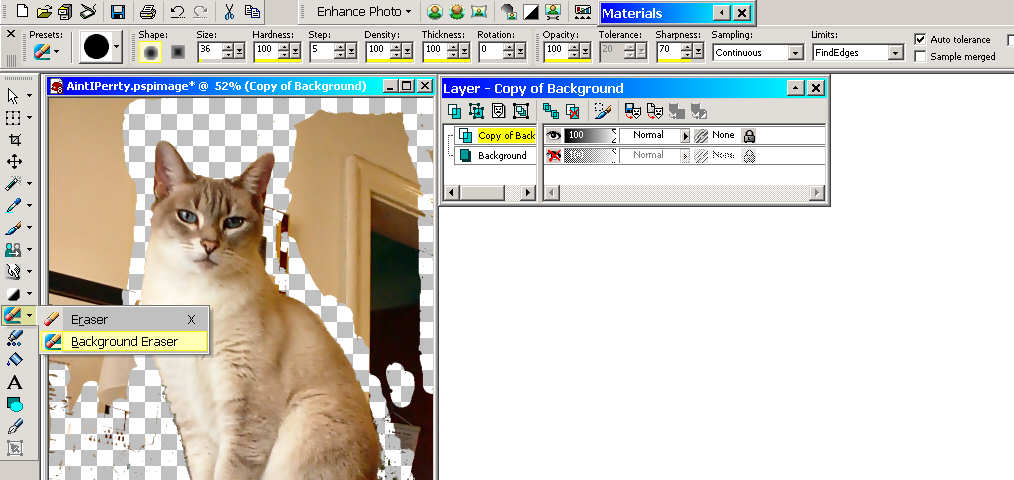
Step 3: Background Eraser:
I have closed the background layer so I can see what I doing
witout becoming confused by the background.
From the Tool Opitons bar you can see the settings I
used for the background Eraser, these can change to suit your
purposes.
I then cleaned up the
layer using the regular eraser.
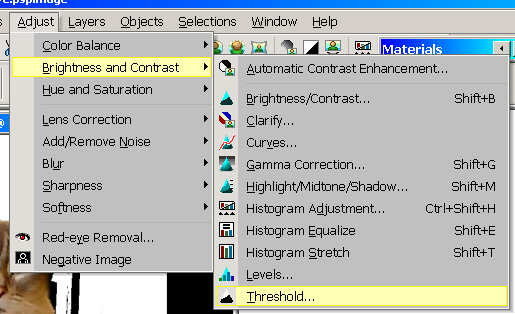
Step 4: Threshold:
With Layer 1, invisable and the
background / canvas selected I now go to:
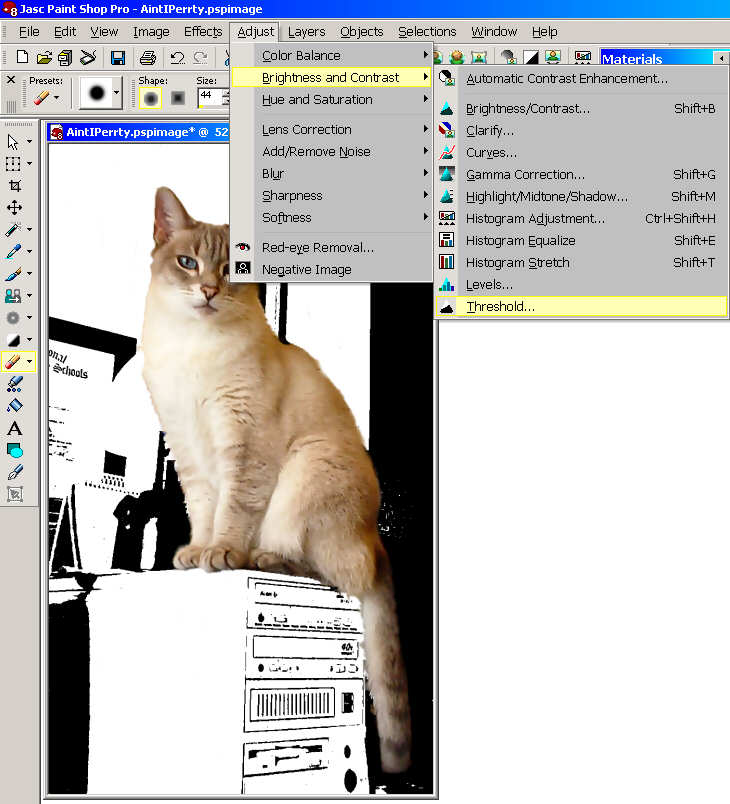
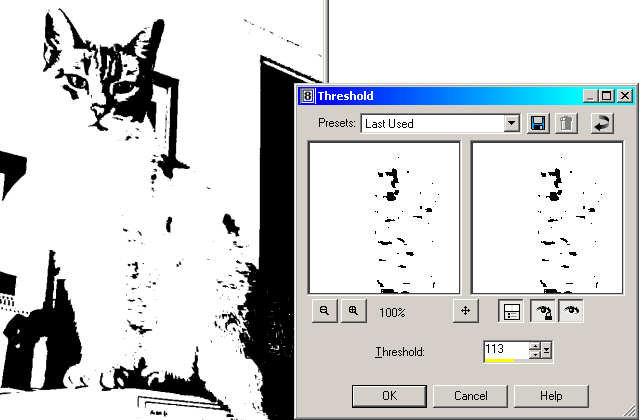
Where I chose Threshold and using this I reduce the colours to
black and white there are no greys in this method.
Once I have my background the way I want it I now make the top
layer visable:
Step 5: Soften Edges
I used the soften brush to help make my edge blend..

Now Aint I Pretty