#1
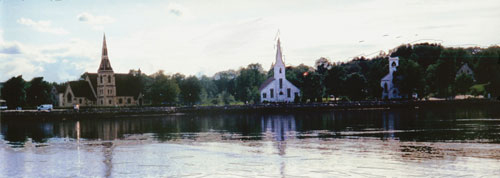
This is to be the top image
|
#2
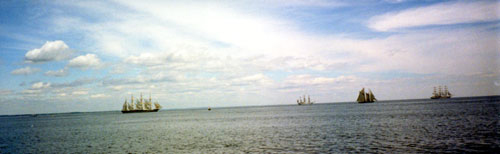
I want the sky from this image so it is #2 image in my window.
|
#3
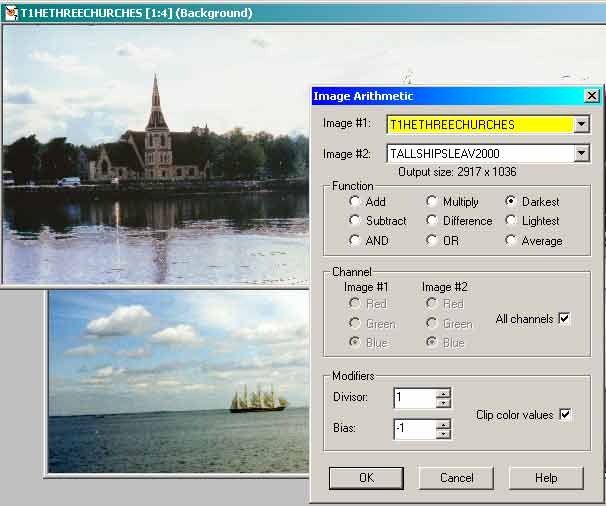
Under Image on the menu bar I open Image arithmetic and after experimenting
with the different blends I found in this case the one that created the
effect I wanted was Darkest, with All channels and modifiers of Divisor
1 and Bias -1 with the Clip colour values checked.
|
#4
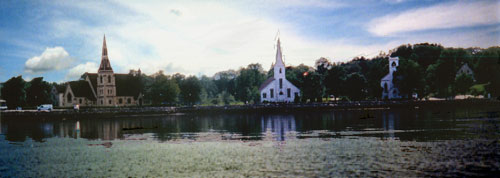
This made this image which is too dark over all.
|
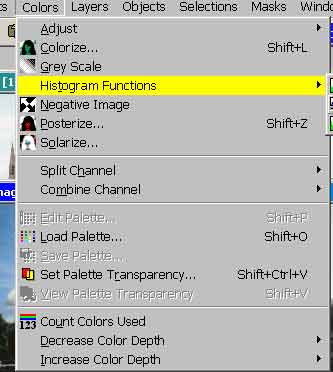
#5. By using the Histogram Functions
 |
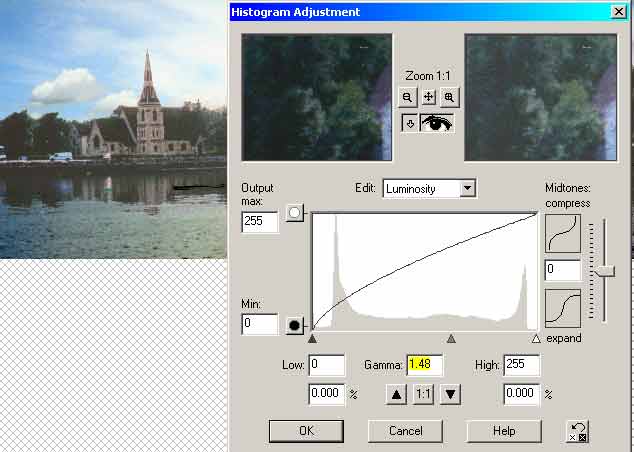
#6. I am able to adjusting the gamma I get a more pleasing balance
of dark and light.
 #6 #6
|
#7
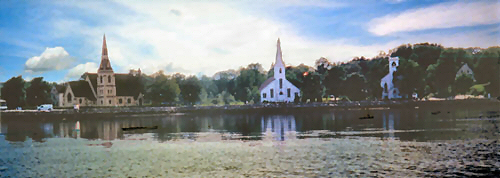
This is my finished image. |
|