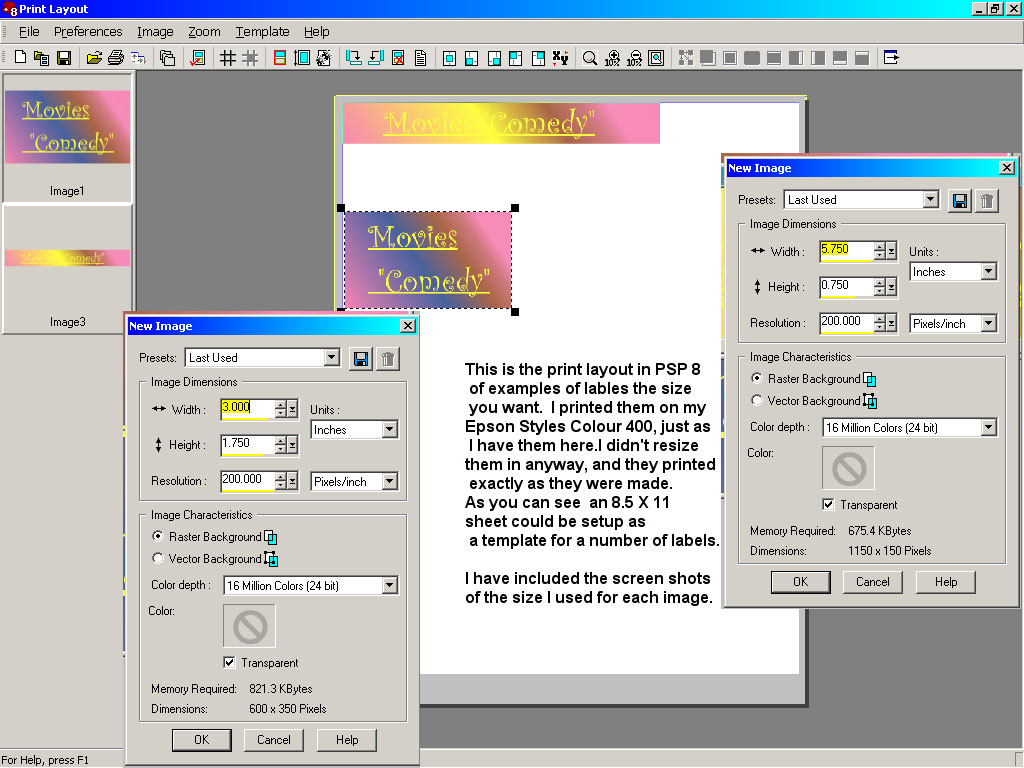
Label Example
|
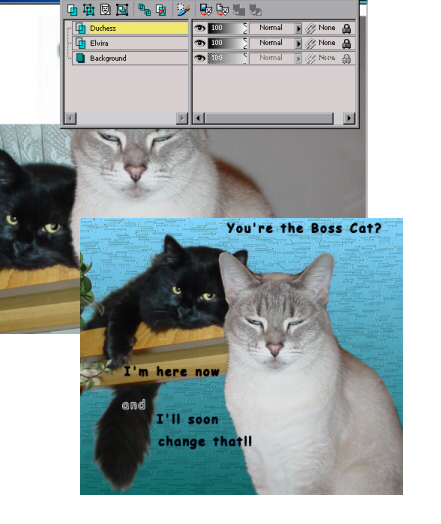 |
This image shows what you would have in the layer pallet
after you
pasted in two images on separate layers. To construct the poster I in
the
end before merging all the layer probably had a one time or other as
many
as 8 layers.
You can select to merge layers using the 'merge visible' command, to do that you shut the eye icon on the layer you don't wish to merge. PSP 8 also has a "merge down" command that will drop which ever layer you have highlighted to the background layer. |
The Font Tool Options Bar. |
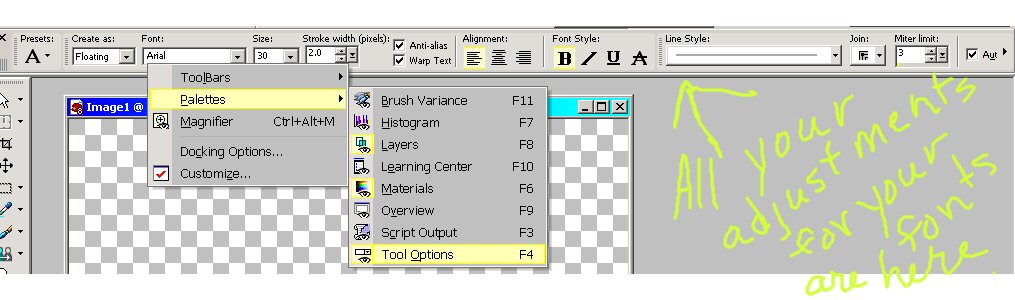 |
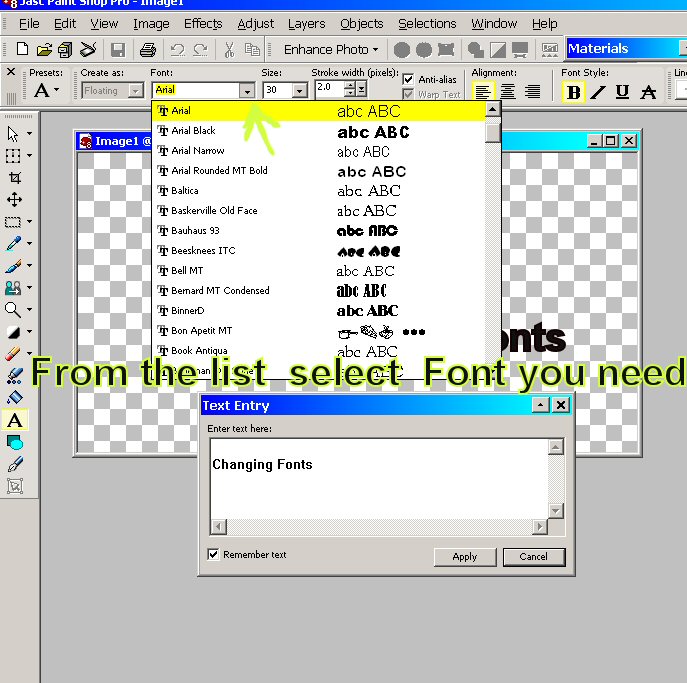 Once
you select the TEXT tool the Tool Options palette will show there you
can
change your font, its size and anyother attribute you have available as
well as Kerning and Leading as shown below. Once
you select the TEXT tool the Tool Options palette will show there you
can
change your font, its size and anyother attribute you have available as
well as Kerning and Leading as shown below. |
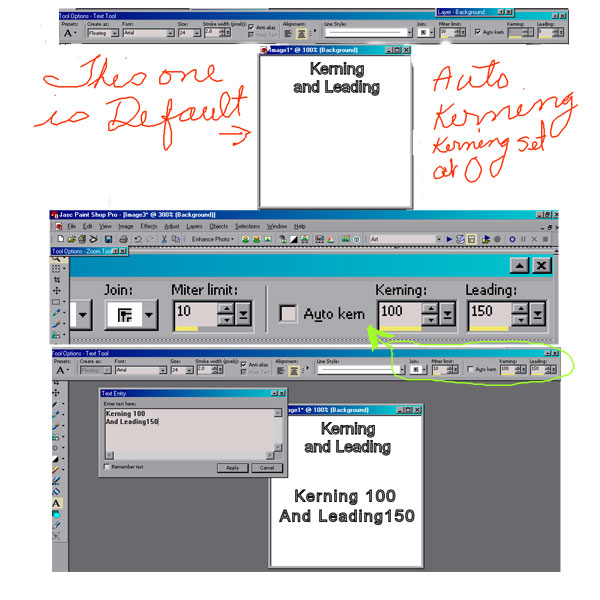
Kerning
and Leading PSP 8
|