
|
 |
 |
 |
 |
 |
 |
 |
| � |
| Merge |  |
|
| � | ||
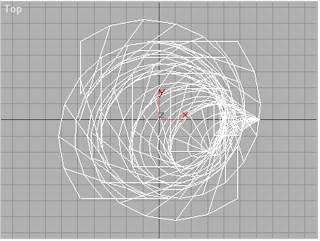 |
Step 1 (Merging the Cone with the Twisted Ice Cream) |
|
Open the Ice Cream.max file. |
|
|
|
Step 2 |
|
Form the File menu. Click on Merge... Select the Cone.max which you saved in the previous tutorial. |
|
|
|
Step 3 |
|
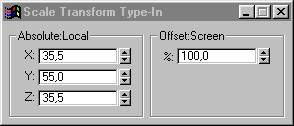
Select the Select and Uniform
Scale Enter X: 35, Y: 55 and Z: 35 to resize the Cone. Then Zoom Extents All |
|
|
|
Step 4 |
|
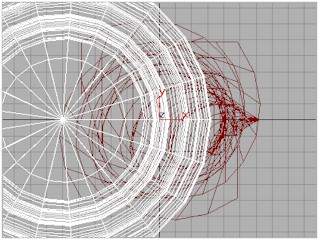
Select the Select and Move
X: 31, Y: 00 and Z: -52 � |
|
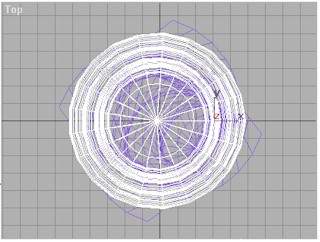 |
Step 4 |
|
View of the Top Viewport. |
|
 |
Step 4 |
|
Final rendering of the Perspective
Viewport. |
|
�
 then
right click on it to display the Scale Transform Type-in.
then
right click on it to display the Scale Transform Type-in.
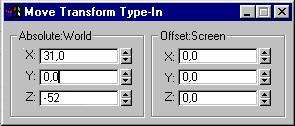
 Button then
right click on it and enter the following parameters to center the Cone
position with the Ice Cream Shape.
Button then
right click on it and enter the following parameters to center the Cone
position with the Ice Cream Shape.