Lightning
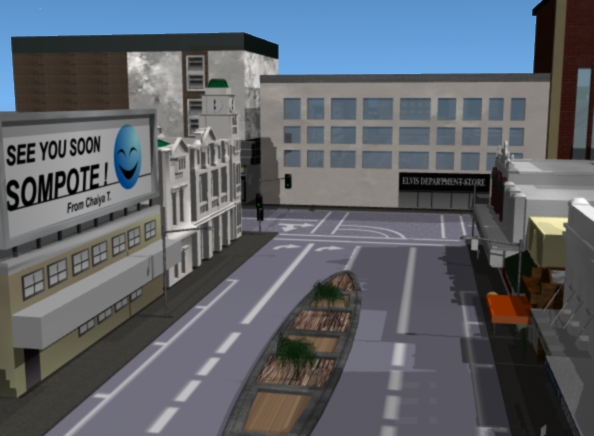
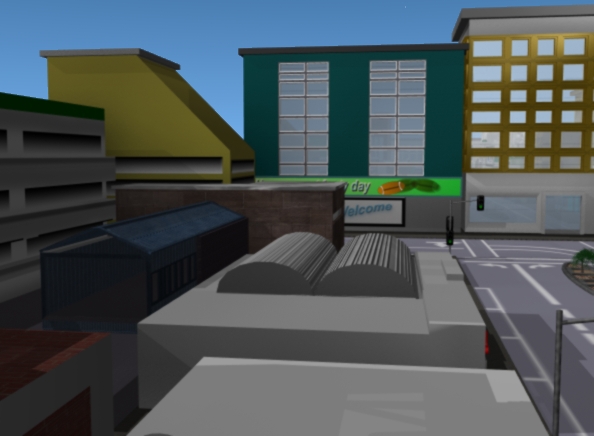
According to my previous assignment, "the old building restoration", I applied the method of using "radiosity" or "Area light" in order to enhance the quality of the rendered image of the VDO clip.
Despite giving out a satisfying look of the rendered polygon, this still "time consuming" rendering process as each frame took about 10-11 minutes to completed. Therefore I tried to find any better solution just to find the way of setting up the light effect that could enhance the quality of the rendered clip without having to undergo any time consuming rendering process.
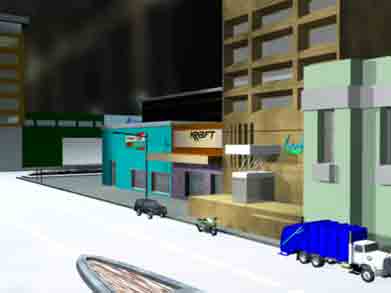
(Left picture) the experiment of using HDR (High Dynamic Range images). HDR will create the light effect from the environment images, which are stored within a plug in called "image world", which is used inside backdropped section.
However the result is still considered undesirable along with time consuming rendering.
However, as I discovered a technique called "fake global illumination" from the 3D world magazine, it provided me with an opportunity to make the high quality rendering with less time consuming by using several spot light to shine onto an object, making the light bouncing at each other just to produce the effect similar to radiosity with quicker rendering time.
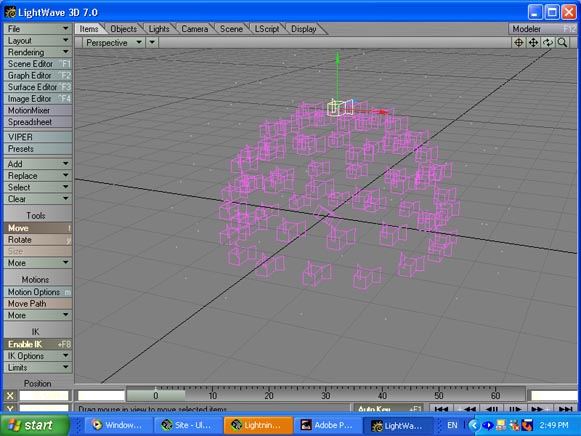
To create the "fake global illumination", first a half sphere will be made in Modeler and then the polygon of the half sphere will be killed off (by pressing K), leaving all the little dots which will then be converted to polygon. Then run a plug in "Attach Luxigon" which is located in Construction tab>Additional menu.
Save the model and launch it into Layout and set up one light as the "master" light (in this case I set up the light into "Spot light" with 13% intensity and also select the "Shadow mape" as the shadow type. Then select a plug in called "Convert Luxigon" from generic plug in as this plug in will effect all the spot light to be cloned and then set within the same position as the polygon point, which have been set within a dome shape.
The dome will act a the parent object for all the light that I am able to move or even enlarge the size of the light dome.