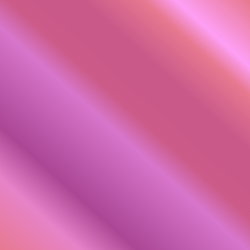
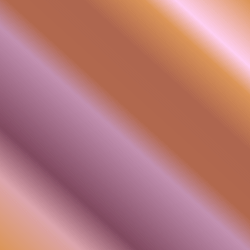
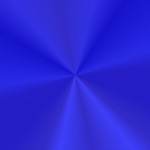
Upper right corner is 129% and lower left corner is 14%. I wonder what this would look like using a texture instead.
Exercise 5-1.1B-Flood Fill Color, Gradient and Opacity
I definitely see the differences. This gives me even more ideas for the future.
Exercise 5-1.1C-Gradients with Tolerance and Opacity
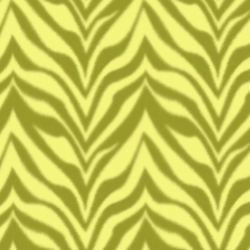
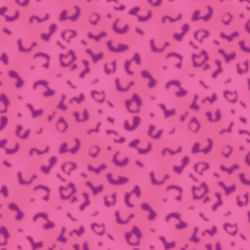
Exercise 5-1.1D-Patterns with Flood Fill
Anyone for a Yellow Zebra or a Pink Leopard?
Lesson 5-2.1 - Warp Tools - Mesh Warp
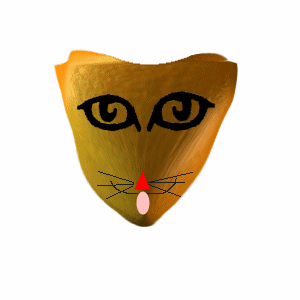
Exercise 5-2.1B - Making a Cat
Well, obviously I'm not an artist in this sense. I just couldn't seem to keep control of the mouse to draw the mouth correctly.
Lesson 5-3.1 - Warp Tools - Warp Brush
Exercise 5-3.1A - Begin Warping
Is this warped enough?
Exercise 5-3.1B - Unwarp/Undo
My unwarp tool, iron out tool, and cancel were all greyed out. Is this because I saved my image? I forgot to save copy as this time. Darn.
Lesson 5-4.1 - Filters/Plugins
Exercise 5-4.1A - Download and Install Plugins
I've downloaded and installed the plugin as well as the dll files. I've played around a bit with some of the different effects. I'll be playing with it a bit more as well.
Visman Filter
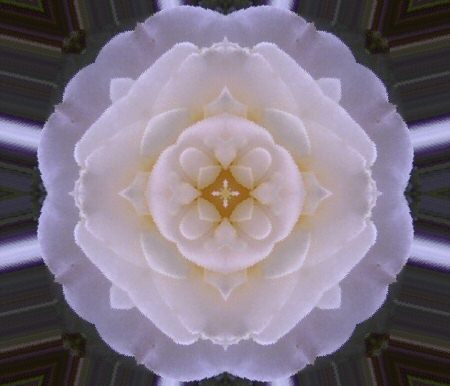
For this one I used the kaleidescope effect with the following settings: divisions: 207, rotation: 41, and hue: 5. I them used the optimizer with a compression of 18.
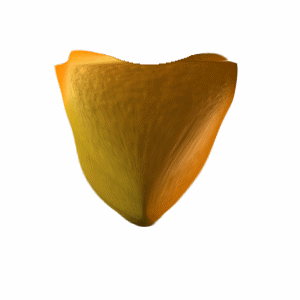
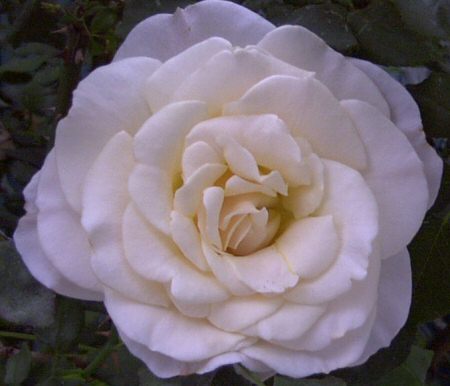
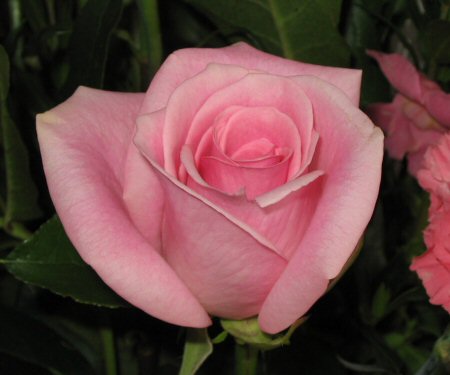
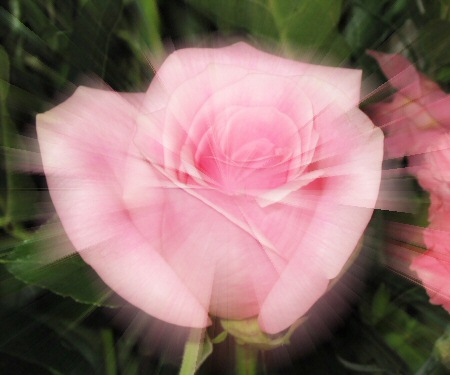
This one was using the lightburst. I left any settings at default because I instantly fell in love with the effect. I optimized with compression of 7. Looks just like a rose from heaven to me.