Back
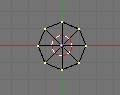
I Made a cylinder in top view 8 vertices
 �
�
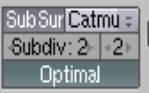
turn on subsurfs. Set subdiv for 3d window to 2, and render to 2, and turn on optimal so you can see it better
 the
first on is for the 3d windows view, and the second one is for the render view,
those numbers make the object smoother, but a higher number makes things go
slower. Normally you can get away with 2 for render, sometimes you need
something a little smoother, you just have to test render to see. For the 3d
view one, the first one, you don�t need it very high. Only to see what you are
doing if you want, but it will still render smoother with the second on set
higher.
the
first on is for the 3d windows view, and the second one is for the render view,
those numbers make the object smoother, but a higher number makes things go
slower. Normally you can get away with 2 for render, sometimes you need
something a little smoother, you just have to test render to see. For the 3d
view one, the first one, you don�t need it very high. Only to see what you are
doing if you want, but it will still render smoother with the second on set
higher.
Switch to front view with Num 1 on the numeric pad 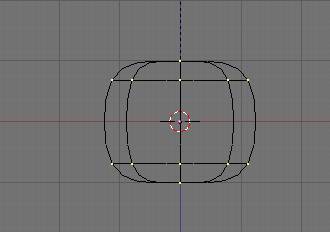
And delete the bottom vertice in the middle
And pull the top one up a little to make it a little rounder
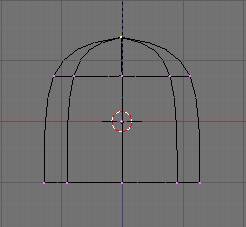
select all the bottom vertices and pull them down some
and resize S Key. You can box select vertices by pressing the B key once
and dragging a box around the ones you want selected. Note: if you have the 3d view to show solids, meaning the color of the object where you cant see through them, and use the box select you will not get the vertices behind the model, so you will need to watch for that
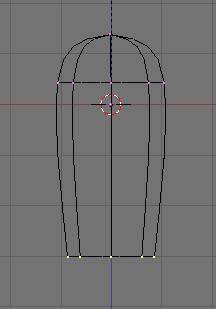
press the E key to extrude the bottom verts, and resize them out some
using subsurfs it will move the ones above it up automatically for a smooth surface
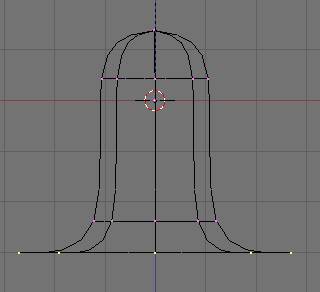
press the G Key to grab and move them down a little
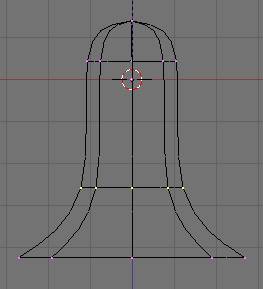
and select the middle verts and resize them in some
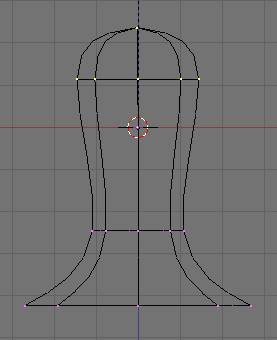
and grab the top ones and pull them up and make the bigger
by resizing.
Go back and box select (B key) the bottom verts and extrude (E key)
And pull (G Key) the extruded verts down and resize them in some
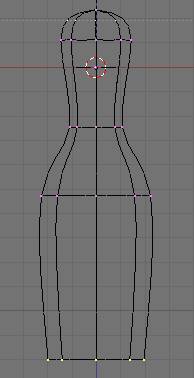
extrude a gain, and that will move the ones above it up more
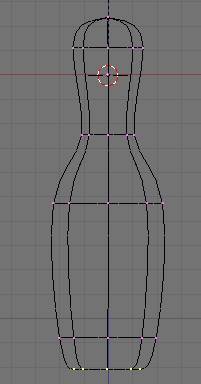
extude again and resize it in a little
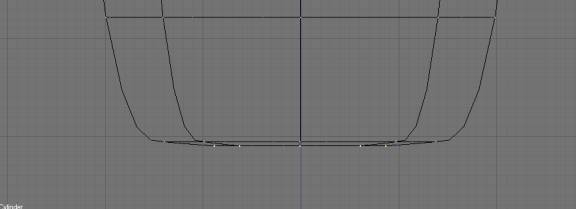
you cant see it very good, but the next etruded verts are yellow
I moved them down some for you to see, but they should be in line with the other row of verts
Extrude again
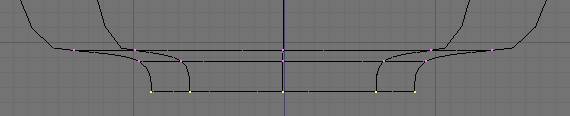
and resize them to a point using 0 (zero) on the alpha numeric keys not the num pad
press 0 while you are resizing
and they will snap to a point
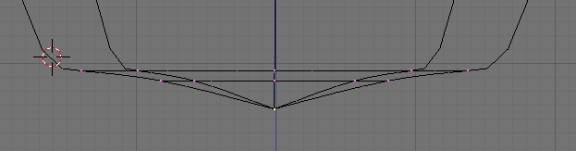
remove the doubles
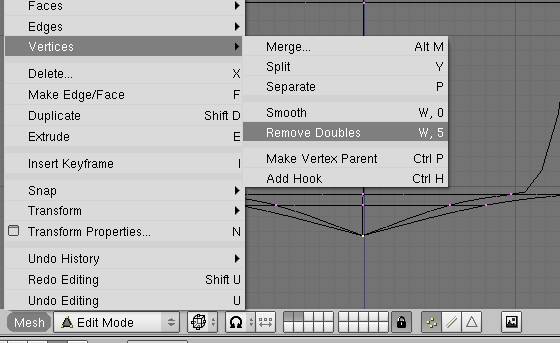
it will probly say 7 removed
then line it up with the rest
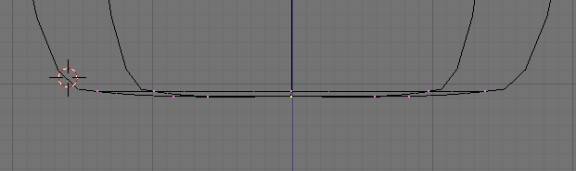
and that will be the bottom of the pin
press Z key to see it in solid mode,
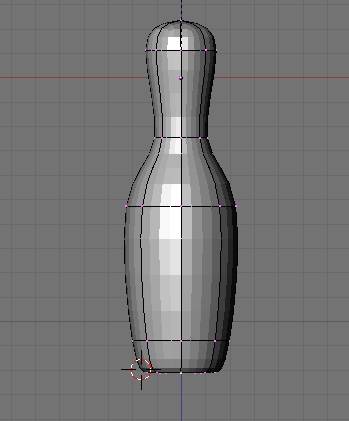
press the A key a couple times to select all the verts
and set it smooth
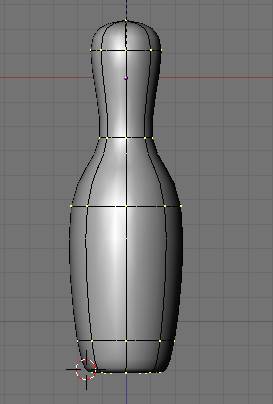
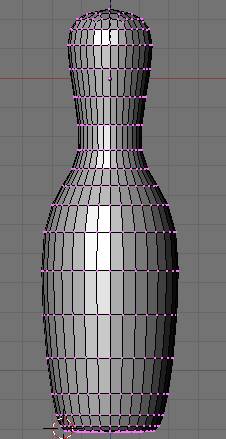
there you have the finished pin, with only a few vertices
no where near the amount� you would need if you didn�t need subsurfs
and to prove it
if you exit edit� and press Alt C you can convert it to a mesh without sub surfs
here is a pic of how many more verts you need if you do that