Content Sensitive
|
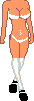
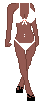
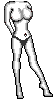
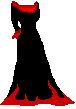
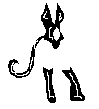
Creation Area Bodies Shoes Shirts Dresses&Skirts Pants Heads To make your Doll double click the pieces in the order in which they appear then drag them around in the white box at the top of the page to assemble it.be sure which way You prefer Your dollz hair in front of the shoulders or behind,or to have Your dolls top tucked in or out.) Once you have the Doll you desire press ctrl + print screen on your keyboard. Open up a paint program;Microsoft Paint,and hit edit and paste. I use Psp 8 and the capture feature. Using the cropping tool, cut a box around your Doll then right click and hit copy or cut. Click file, new then edit and paste. Finally click file and then save. If you have any questions or comments feel free to e-mail me. 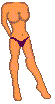












Creation Area Bodies Shoes Shirts Dresses&Skirts Pants Heads 


Creation Area Bodies Shoes Shirts Dresses&Skirts Pants Heads 


Creation Area Bodies Shoes Shirts Dresses&Skirts Pants Heads 






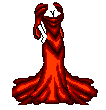


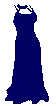

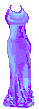
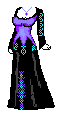


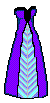


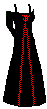
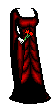
Creation Area Bodies Shoes Shirts Dresses&Skirts Pants Heads 




Creation Area Bodies Shoes Shirts Dresses&Skirts Pants Heads 


Home Message Board Links Editor's Notes Guest Book |
