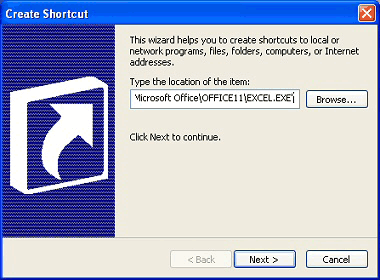
2. The Create Shortcut wizard will now open. Click the Browse button to locate the file, folder, or program you want to create a shortcut to, then click OK.
3. Click the Next button, then give your new shortcut a name.
4. Click the Finish button. You will see the new shortcut on your Desktop.