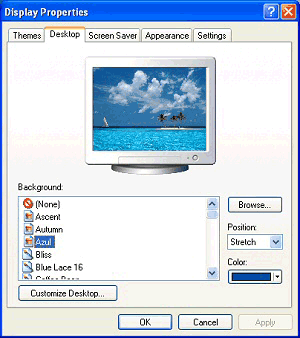
2. Click the Desktop tab (see Fig. 1 ).
3. You can select a picture from the �Background� list, or click the Browse button to choose your own picture.
4. You will see a preview of your new picture on the monitor. If you are happy click Apply then OK.