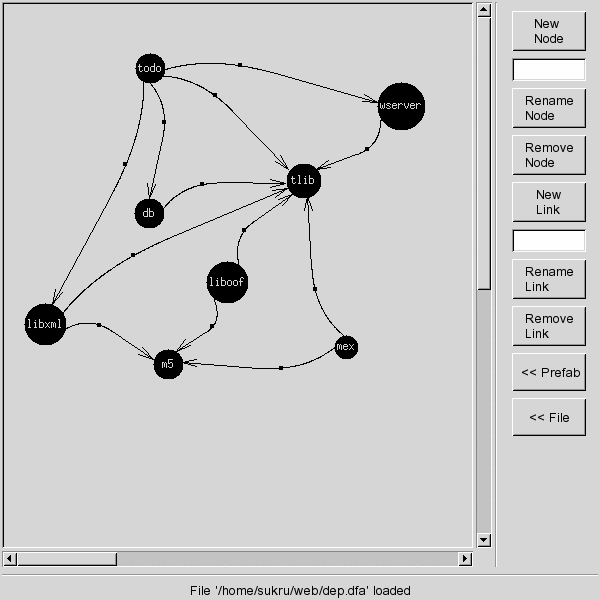
dfastuff works in a command-line-like verb order. You first give the command, then give the operands to it, by selecting objects.
To select a node, just click on it. To select a link, first click it's source node and then the destination node. Clicking on the paint area any time will cancel the current command.
Both nodes and edges can have names. The top text entry is for node names and the bottom one is for edge names.
dfastuff gives instructions about what to do next on the status area.
To move a node, drag it. Nodes will size themselves properly when there are more incoming or outgoing edges in order to make more room for connections.
The two bottom buttons are menu buttons, they open up a panel of buttons when clicked on. Clicking once more will close the new panel of buttons.
The 'Prefab' button will open a panel with prefabricated items in it. Clicking on a prefabricated item and then clicking on the paint area will put a copy of the item at the specified position.
Edges are drawn as curves in clockwise. There is no way to change this. Each curve has the same distance from the line that connects its end points. So, longer lines look more like a line where shorter lines look more like an arc.