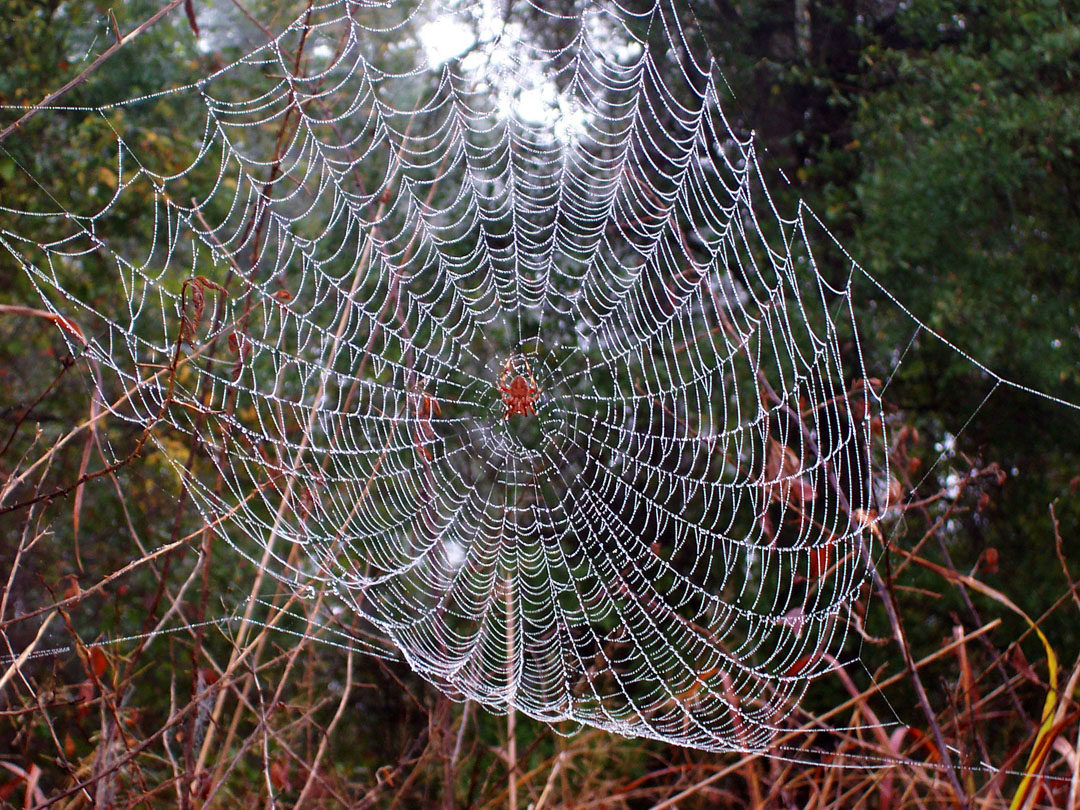
For PC's RIGHT CLICK the photo above and Save to your desktop.
For Mac's Click on the photo above (hold down button) and drag to desktop.
File size is appropriate for all screensizes and only uses 172K disc space.
On a Mac the photo should be placed in the photos folder. The string or path is:
HD (hard drive) = System folder = Appearance folder = Desktop pictures folder = photos folder
For PC's right click and select "Set as Wallpaper"