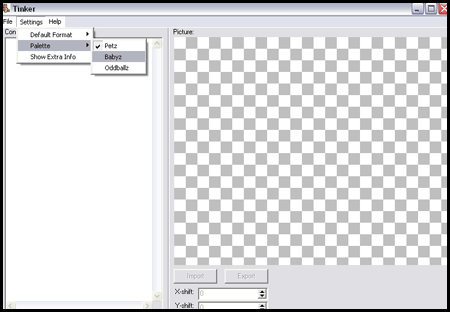
Firstly, open Tinker and when you have done that you need to change the settings to Babyz so the colors show up right and everything - so go to Settings >> Palette >> Babyz Once you have done that you need to Open up the clothing item you plan on editing; EXAMPLE; if you have just hexed a clothing item out of the White Tshirt.clo, you open that..
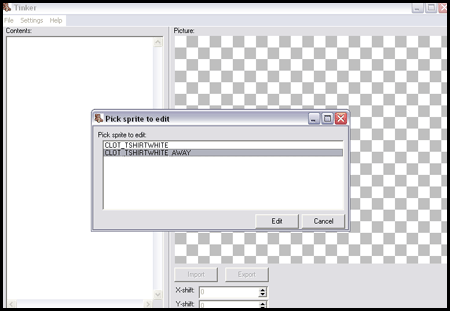
Once you have done that you will get this, since you are editing it to show up as itself in the closet you need to Edit the Away part, so click the one with Away at the end and click the button that says Edit.
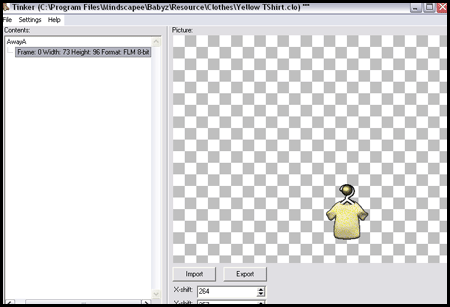
You will then see this, You need to click on the little [+] sign and then it will open the Away graphic.
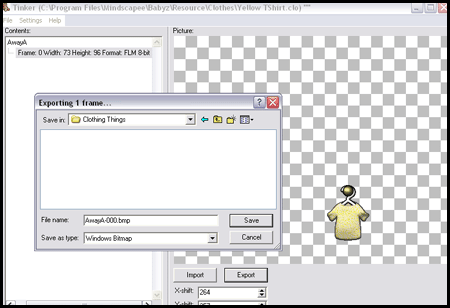
Ok now you need to Export the graphic so it can be edited in you graphic program(Photoshop, PSP) when you Export make sure you have it saved where no other Exported Away graphics were saved..I usually change the name so I can keep up with it since I like to multi task and do many at the same time.
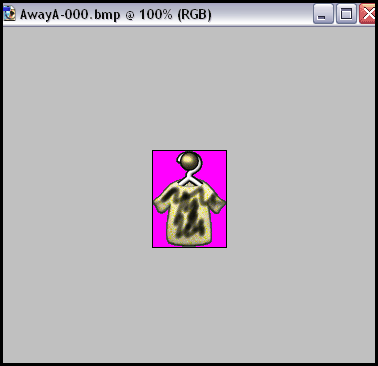
Once you have Exported it, Open it up in you graphic progam(Photoshop, PSP) you can edit it to make it look like the item you hexed, like you will see if you have gotten my clothes or the others who have clothes that show up in closet(the one above is just so you can get the idea lol
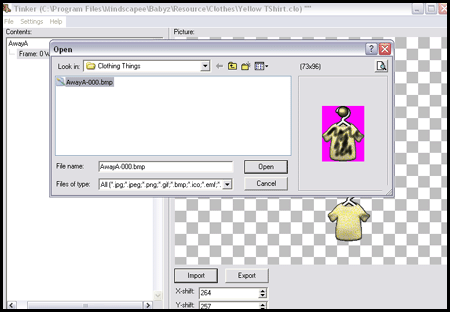
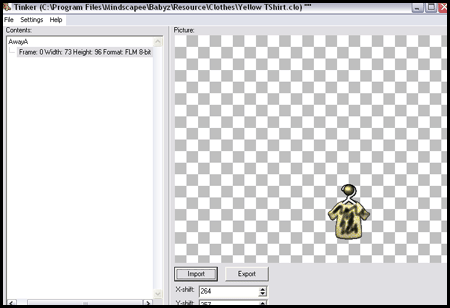
Once you Save that you will go back to Tinker and you should have it still open to the Away graphic, Now you need to Import the graphic you just made and to do that go to the button next to Export and Click it, go get the Edited graphic and open it...
and there you go!
If you are confused and need some help you can IM me here; fungishmoocow