| Help and Support | Hidden Files |
Set
Hidden Files
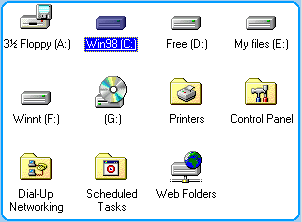
 Click My Computer on desktop
and click into Drive C.
Click My Computer on desktop
and click into Drive C.
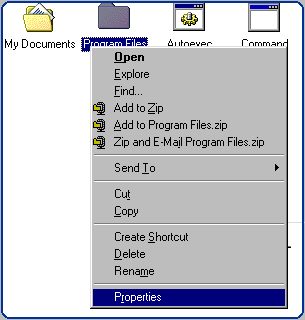
 Select Files or Folder
and click right mouse select
properties.
Select Files or Folder
and click right mouse select
properties.
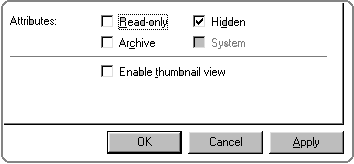
Select Hidden to hide your folder from view.
View
Hidden Files
Open any drive
in your computer
At
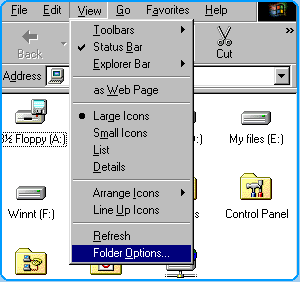
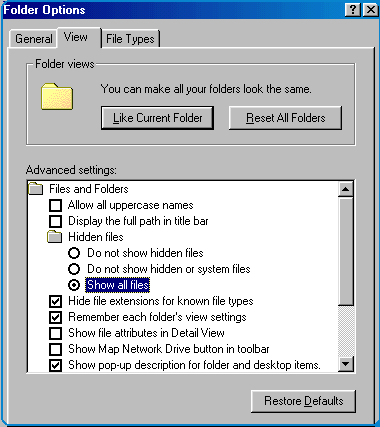
the menu select View, and Folder
Option
Select View
tab and then select Show all files to
show all files and click on files/folder to disable hidden (refer Set Hidden
Files).
Copyright © 2002. All right reserved.