Email:
Password:
Comment:
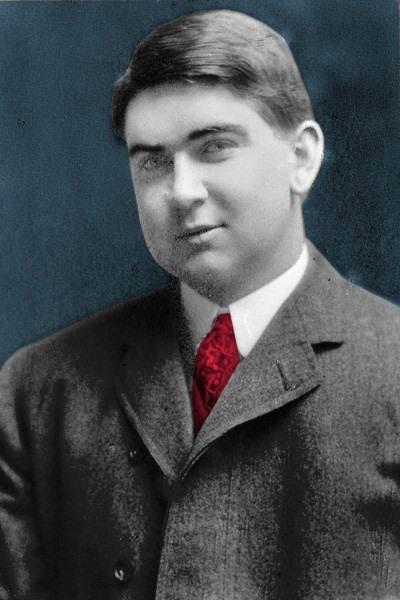
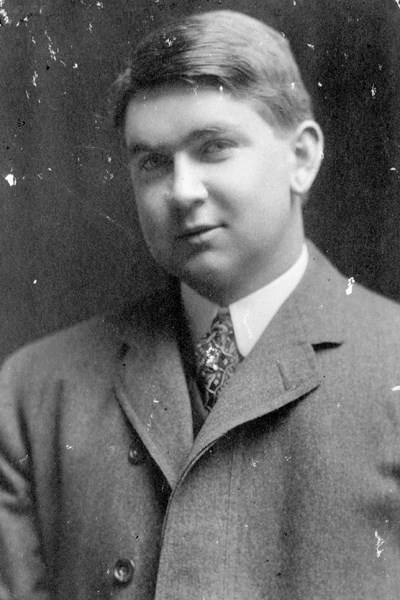
-
You make me feel like brand new
- Open your adobe photoshop
- Open your resources about You make me feel like a brand new
- Create a new canvass 8 by 11 inches , 72 pixels 8 bit
- Click the clone stamp tool
- Hold down the ALT key and left-click on a certain point of the document where you want to start your copy point.
- Then, put your mouse over whatever part of the new document you want the picture to go to. In order to clean the image to the white spaces
- After finishing you can now save your work