- Open your adobe photoshop
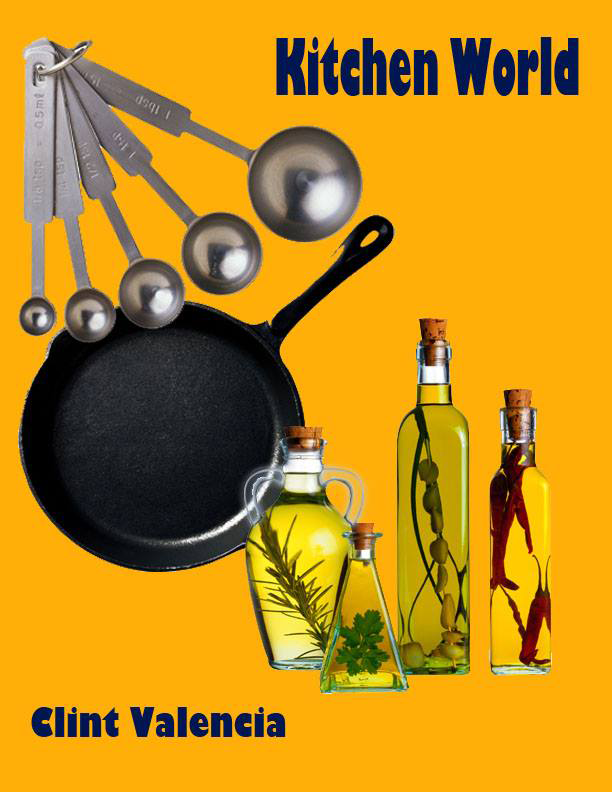
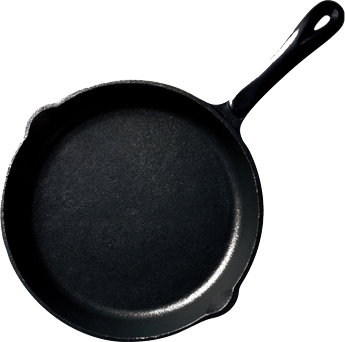
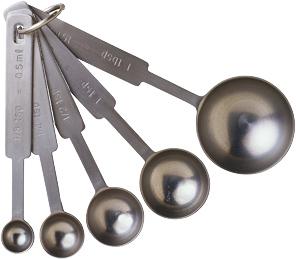
- Open your resources in doing the kitchen world
- Create a new canvass 8 by 11 inches , 72 pixels 8 bit
- Change the background color of the canvass
- Use selection tool in selecting the image you would move to your canvass using the move tool.
- Ater moving you can transform it or resize the picture .
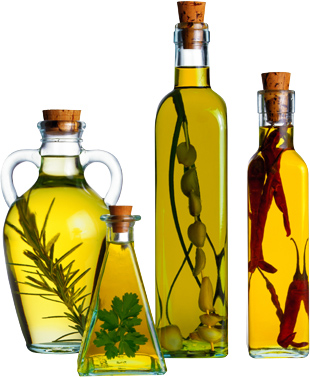
- For the bottle use eraser tool with no hardness
- If there some white spots delete it using magic wand then delete
- Save your work