- Open your adobe photoshop
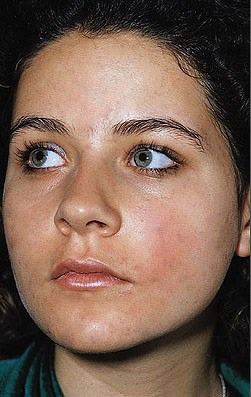
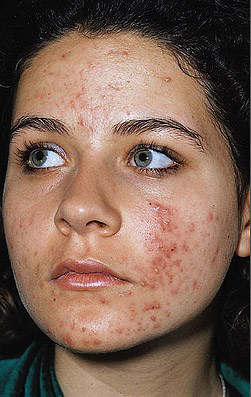
- Open your resources about You make me feel like a beauty queen
- Create a new canvass 8 by 11 inches , 72 pixels 8 bit
- Select the tool, hold down the ALT key and left-click on the part of the image you want to be the source
- Then left-click over the all blemish
- You can use dodge tool and burn tool to improve the quality of the finished product
- Save your work