Download bootsector for Windows XP.
How to make Windows XP Bootable.
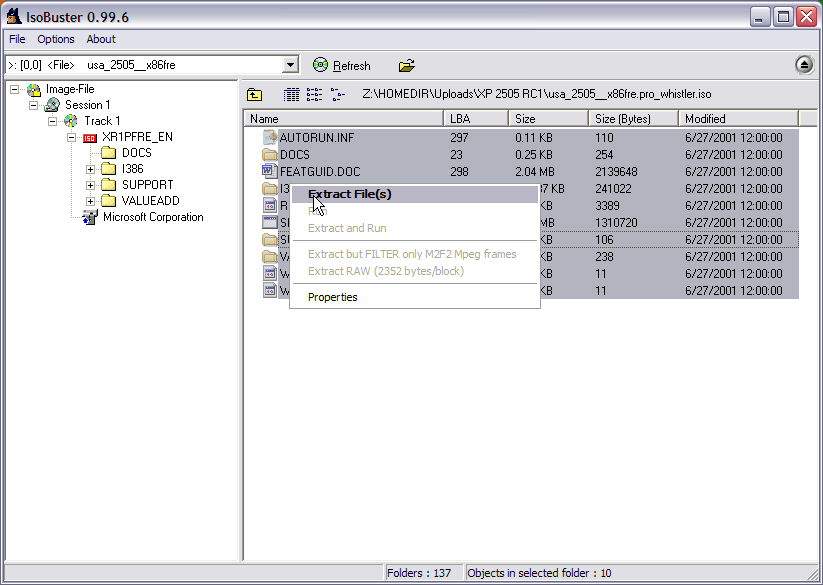
Extract the ISO with ISO Buster (or WinImage) to D:\WinXP
Images for Easy CD compliments of bink.nu
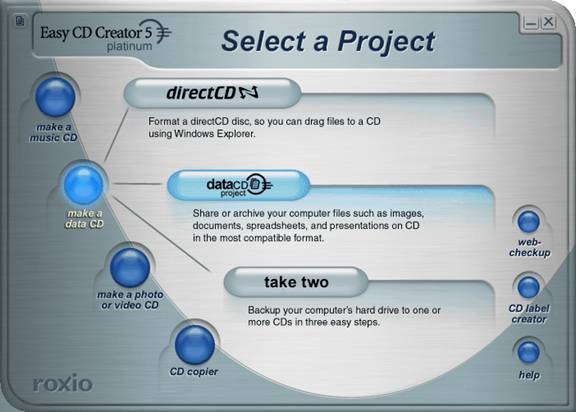
Start Easy CD Creator 5 Project Selector, select Make A Data CD, Data CD Project
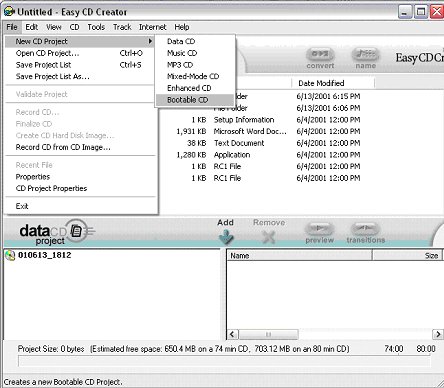
On the filemenu, choose new CD.... and Bootable CD
Boot type set to custom!
Leave Load Segment as it is!
Set Sector Count to 4!!!
Press browse
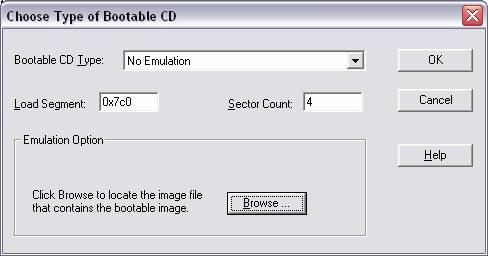
Locate the just downloaded XP bootsector file, choose open and the bootfiles are added to the lower pane
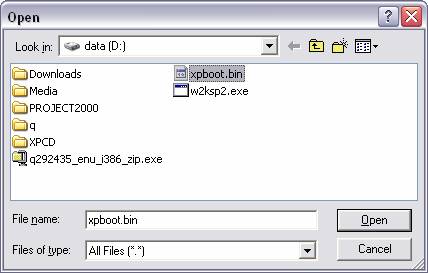
Select CD Project Properties (see pic)

Set all as in Pic.

Set as in Pic.
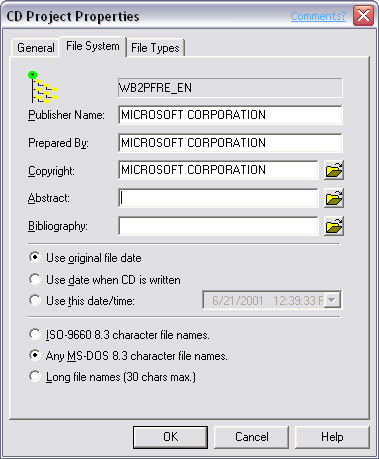
Set as in Pic.
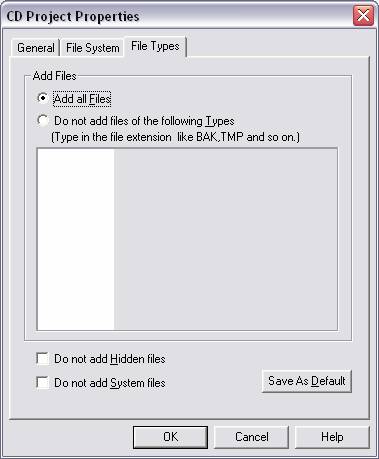
Now drag your XP setup files (D:\winxpCD) to the lower pane.
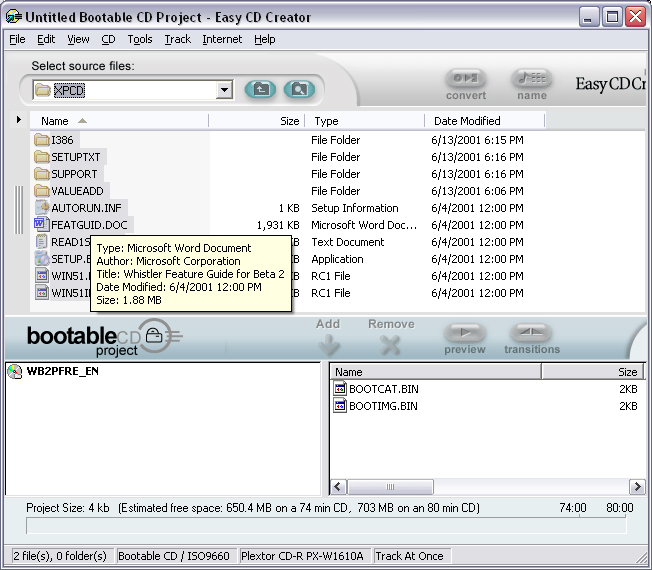
When done press the Record button.
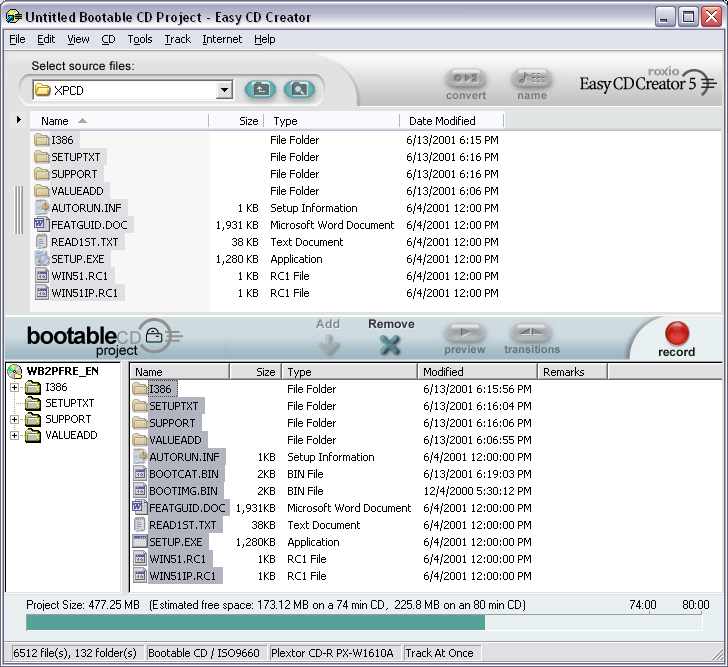
Set as in Pic.
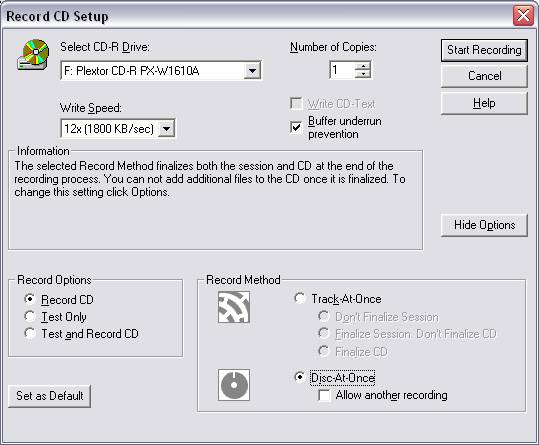
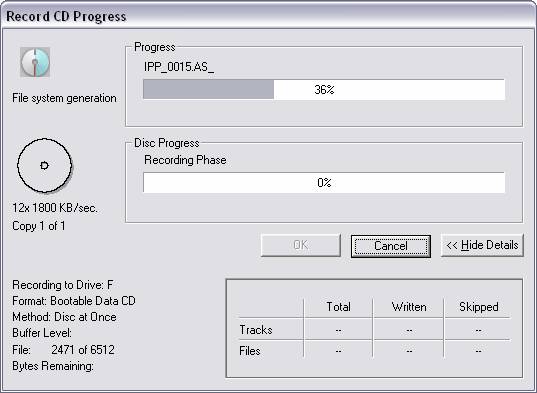
Now let the Program do the rest.
Back to Creating Bootable CDS.