
















|
|
|
 |
 |
|
 |
 |
|
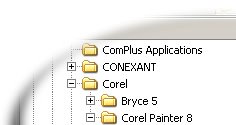
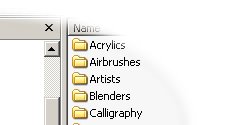
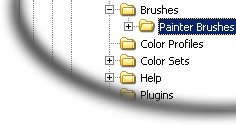
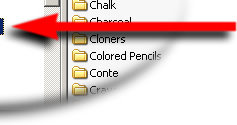
The best way to use the brushes is to create a folder for your custom brushes, such as "MyBrushes" (if you don't have one yet). Create this folder inside the "Painter Brushes" folder shown by the red arrow. Then just place the files inside the "MyBrushes" folder, or whatever you named it.
You also need to create a small jpg icon for the folder, otherwise it won't show up in Painter's brush list. To do that, just select any jpg file inside "Painter Brushes", copy it, then name it the same way as you named the folder you created. This way there will be one jpg file for each folder with identical names.
If you download a ZIP file, it will contain an image file (jpg) and an XML file. You will need to put both of these files into your custom brushes folder!