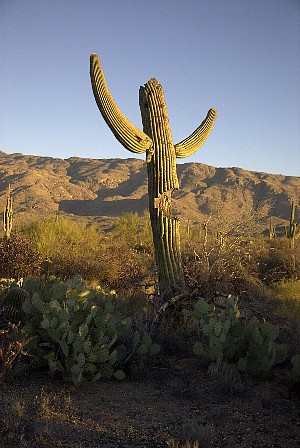
Upon our receipt of your order payment, you will receive an e-mail containing links to the web pages where you can download your photos. Let's pretend that this is a web page containing one of your ordered photos. Once the image has *completely* loaded on the screen (this may take a minute or two for the high-resolution images you'll be downloading), point your mouse anywhere over the image and then right-click the mouse. This will bring up a small menu where you will see the option to "Save Picture As." Left-click on this option to Save (Download) the image to a destination on your computer. A small File Browser will then allow you to select a folder and file name for your image. Then click the Save button and you're done! Simply repeat the process for each of the photos you've ordered, starting from the web page link provided in e-mail.
Try it now! Use Mr. Cactus below as your guineau pig. |